Upload BOM & Gerber

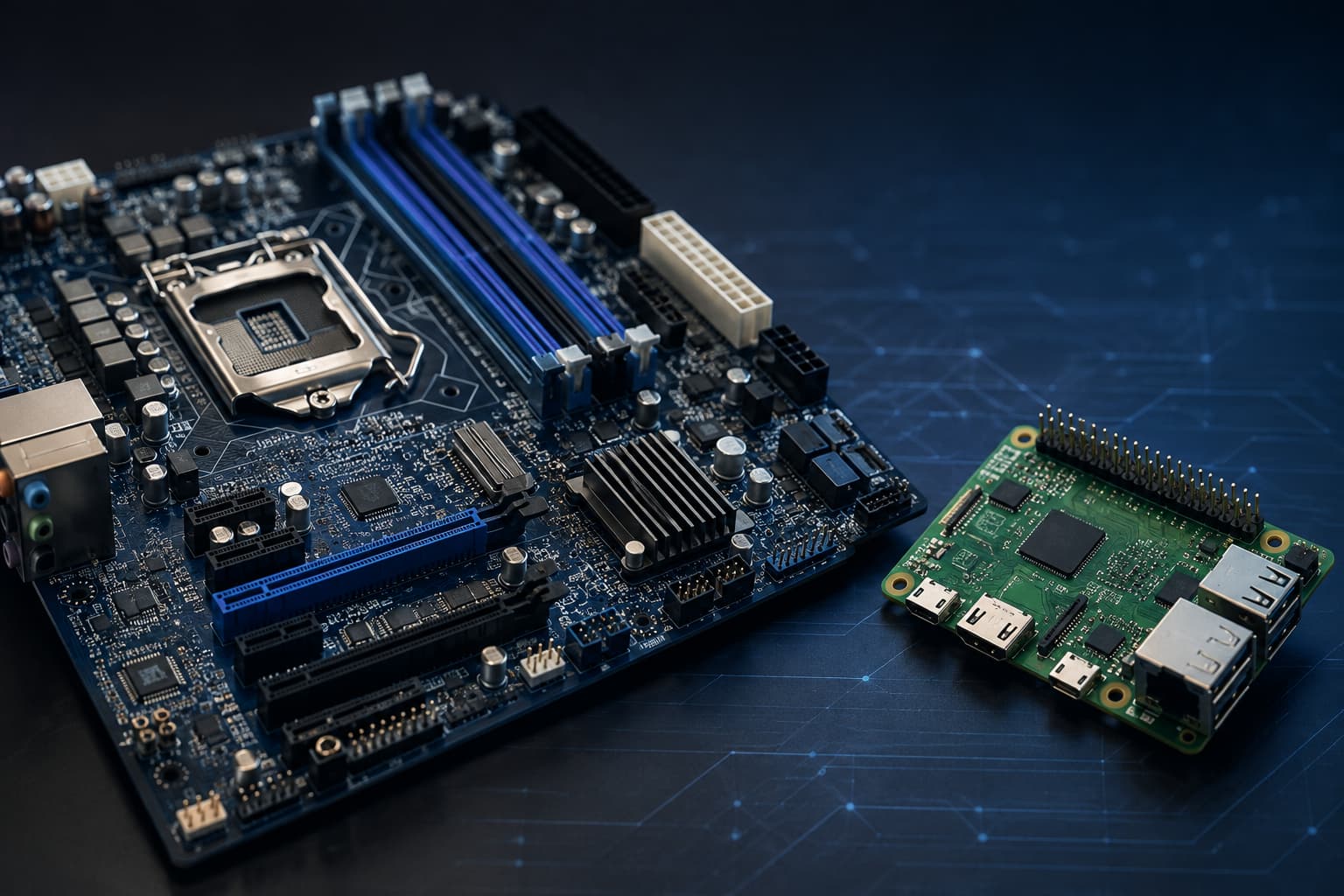
The motherboard is one of many circuit boards and is distinguished from them by its function in a system. The motherboard is the primary board-level platform to connect processing, memory, storage, power, external I/O, expansion interfaces, and other boards.The term circuit board encompasses all types of circuit boards, including those for control, interface, power, backplane, daughterboards, and other specialized applications.
PCB identifies the physical board, and PCBA identifies the assembly state, while motherboard refers to the board’s role in the overall system architecture. Design characteristics such as size, number of layers, form factor, cost, complexity, and expandability will vary for both motherboards and other circuit boards, so these characteristics do not define the category.
- The motherboard is a circuit board—the defining characteristic is its function as the main board-level platform in a given system; size, layer count, form factor, cost, and complexity do not define the category.
- Manufacturing requirements follow the released design, while manufacturing documents should distinguish the bare PCB, PCBA, motherboard function, part number, and hardware revision.
Contents
show
Is a Motherboard a Circuit Board?
Yes. According to the documentation for Dell’s PowerEdge T30, the terms motherboard and system board are both used for the main printed circuit board in that system. Although the added label indicates what the motherboard does within the context of that system, it does not imply that the motherboard is made from a different substrate technology.
The bare PCB used for a motherboard contains the same fundamental elements as other bare PCBs—an insulating substrate, copper conductors, traces, pads, vias, solder mask, and surface markings. The installed components and connectors create the populated PCBA for the motherboard; however, the assembly alone does not qualify every PCBA as a motherboard.
Motherboards will typically host or connect a CPU or SoC, memory, storage, power regulation, external I/O, expansion links, and other boards. A control board may perform narrower control over specific functions, while a compact embedded main board may still qualify as the motherboard, even if a larger board exists.
In common usage, the term PCB may refer to a bare board as well as a populated assembly. Therefore, manufacturing documents should distinguish between bare PCBs and assemblies, identify the motherboard’s function within the product architecture, and provide separate identification of the part number and hardware revision.
PCB, PCBA, Motherboard: Different Meanings
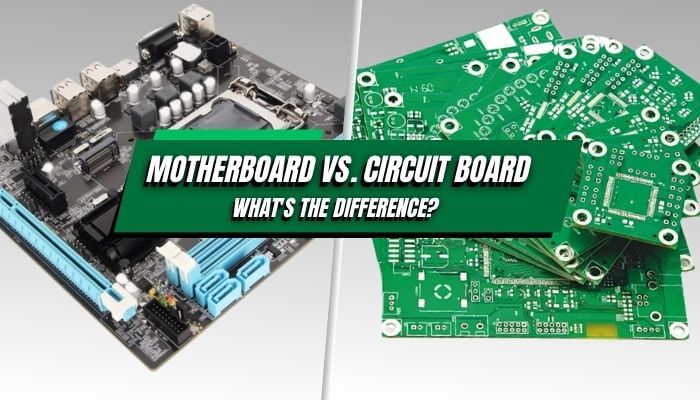
PCB, PCBA, and motherboard describe three different things rather than three equivalent names. PCB indicates the board used for interconnection, PCBA indicates the populated assembly, and motherboard denotes the board’s role within the system architecture.
While each term denotes a different fact, all can describe the same board where each term applies.
What Makes a Board the Motherboard?
The primary function of the motherboard is specified by the product architecture. Controlled product documentation identifies which board performs the motherboard function. To determine whether the board is in fact a motherboard, you would typically have to validate four areas:
- Product terminology: Use the service manual, BOM, assembly drawing, block diagram, or product architecture instead of referring to a reseller’s terminology.
- Critical subsystems: Identify whether the board hosts or connects processing components, memory components, storage components, power components, external I/O interfaces, expansion interfaces, and daughterboards.
- Relationship to other boards: Determine whether backplanes, risers, daughterboards, power boards, or interface boards depend on the board or divide system functions with it.
- Physical object: Clarify whether you are discussing the bare PCB, populated PCB, installed board, or completed product.
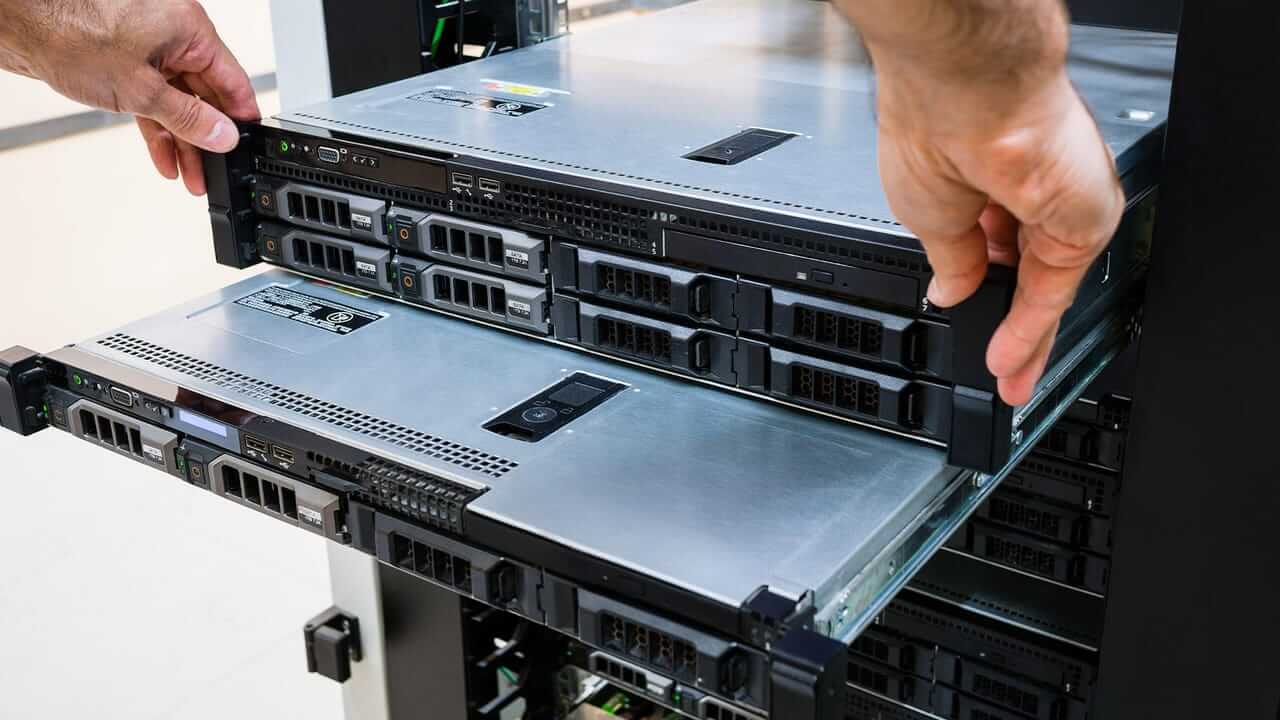
A server may consist of a motherboard plus drive, power, fan, and I/O backplanes. According to Oracle, the absence of onboard processing power generally distinguishes a backplane; however, active backplanes and some modular architectures may provide exceptions to this rule, so refer to the product architecture or service documentation.
Raspberry Pi provides a Compute Module as a compact SBC designed for embedded and industrial applications. The Compute Module connects to a carrier board that provides power, connectors, and application I/O connections. Therefore, neither name alone identifies the motherboard; the product architecture must indicate which assembly performs the motherboard function.
Motherboard Functions
Power Distribution and Regulation
The motherboard receives input power and distributes regulated power rails to processors, memory, storage, interfaces, and peripheral devices. Power planes and regulators help ensure that voltage and current levels are maintained within the required ranges of each subsystem. Power-related components must be interconnected through electrical paths and supported by appropriate thermal paths.
Data Routing and Interfaces
A PCB’s routing capabilities permit high-speed and low-speed signals to pass among processors, memory, storage, network devices, external ports, and expansion devices. Interface performance is affected by impedance, return paths, length relationships, crosstalk, connectors, mechanical placement, and the way signals travel across the board.
System Initialization and Configuration
When board firmware initializes the hardware, it also loads configuration data, runs diagnostic checks, and starts the operating environment. While the hardware may be physically complete after final assembly as a PCBA, it may still require additional programming, configuration data, and verification of its functional capability.
Main Motherboard Components
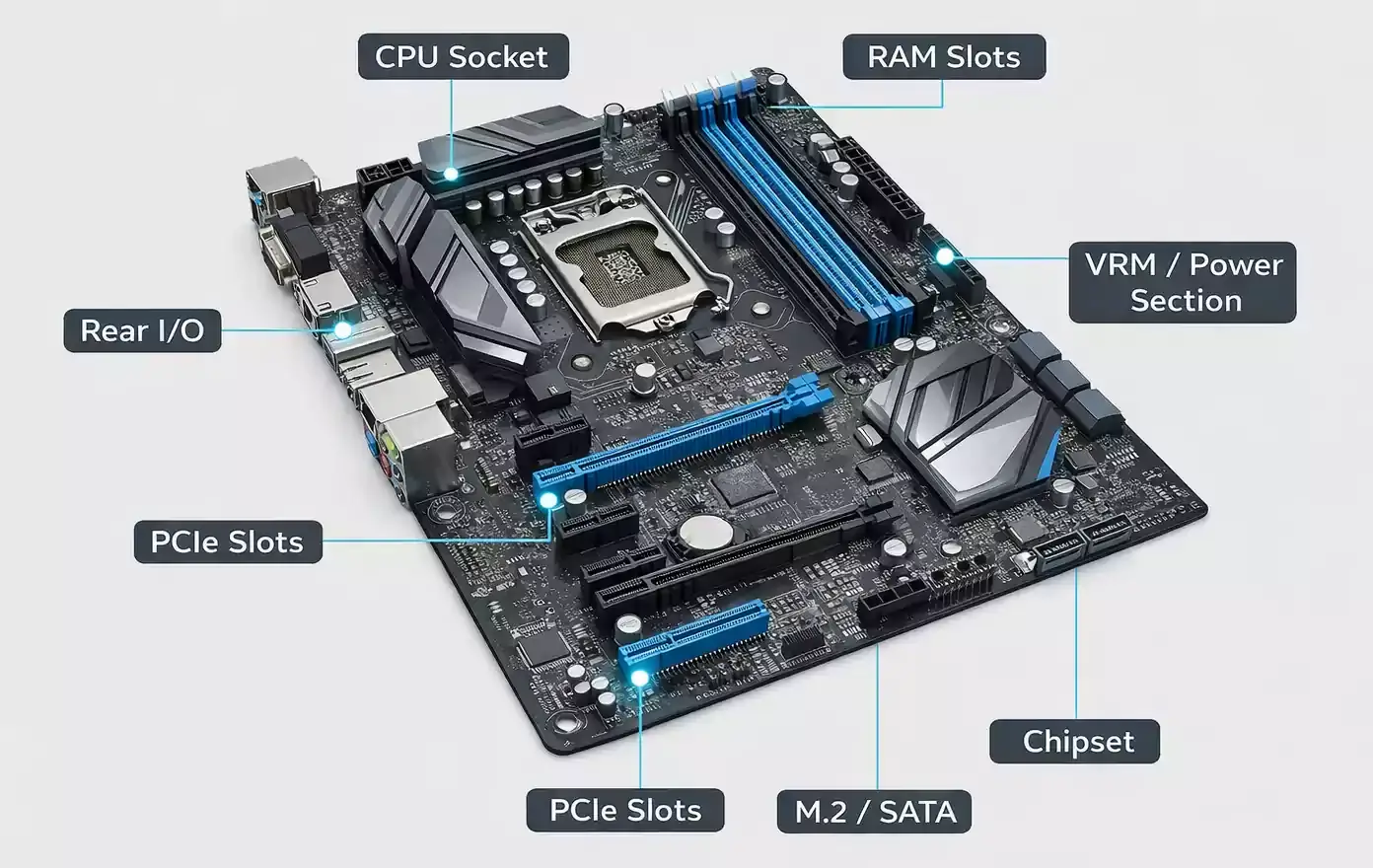
The components of a motherboard depend on the overall product. However, some of the same component groups can be found in most motherboards:
- Processor and memory interfaces: CPUs may use a socket or be soldered directly to the motherboard. Some motherboards have connectors to hold memory modules (RAM), while others use soldered memory. Memory interfaces include DIMM or SO-DIMM sockets and soldered memory packages. The need for high-speed data transfers and the increased complexity of land patterns for memory interfaces have heightened the need to pay close attention to land design, reference planes, timing, connector quality, etc.
- Controller logic and firmware: Chipsets, embedded controllers, MCUs and management devices, boot memory, and embedded security devices are all used to control peripheral links and perform initialization, management, and configuration functions. The system architecture determines how these functions are implemented; they are either integrated into the SoC or provided by separate devices.
- Power conversion: To provide the required voltage rails, switching and linear regulators, MOSFETs (power transistors), inductors, capacitors, current sensors, and power connectors are assembled on the motherboard. Consider current capacity, transient response, heat dissipation, and connector integrity for the CPU, RAM, and other high-current loads.
- Storage, expansion, and external I/O: M.2, SATA, PCIe, mezzanine, USB, Ethernet, video, audio, wireless, and other product-specific data interfaces are used to connect storage devices (hard drives), expansion devices (video cards, etc.), peripheral devices (printers, scanners, etc.), and other circuit boards. Placement of connectors and signal routing for shielding, accessibility, and mechanical retention must be considered.
- Service and test features: Debug headers, LED status indicators, test points, recovery interfaces, and management circuits are used to support programming, diagnosis, and repair. The presence of service and test features on a particular board does not imply that the firmware was loaded correctly or that the electrical and functional tests were performed.
Motherboard vs Circuit Board: Practical Differences
The difficulty of manufacturing flexible medical boards, high-current power boards, RF modules, and dense accelerator cards may exceed that of manufacturing a simple motherboard. Factors that affect manufacturing difficulty include the materials used, geometries, assembly, test coverage, and environment.
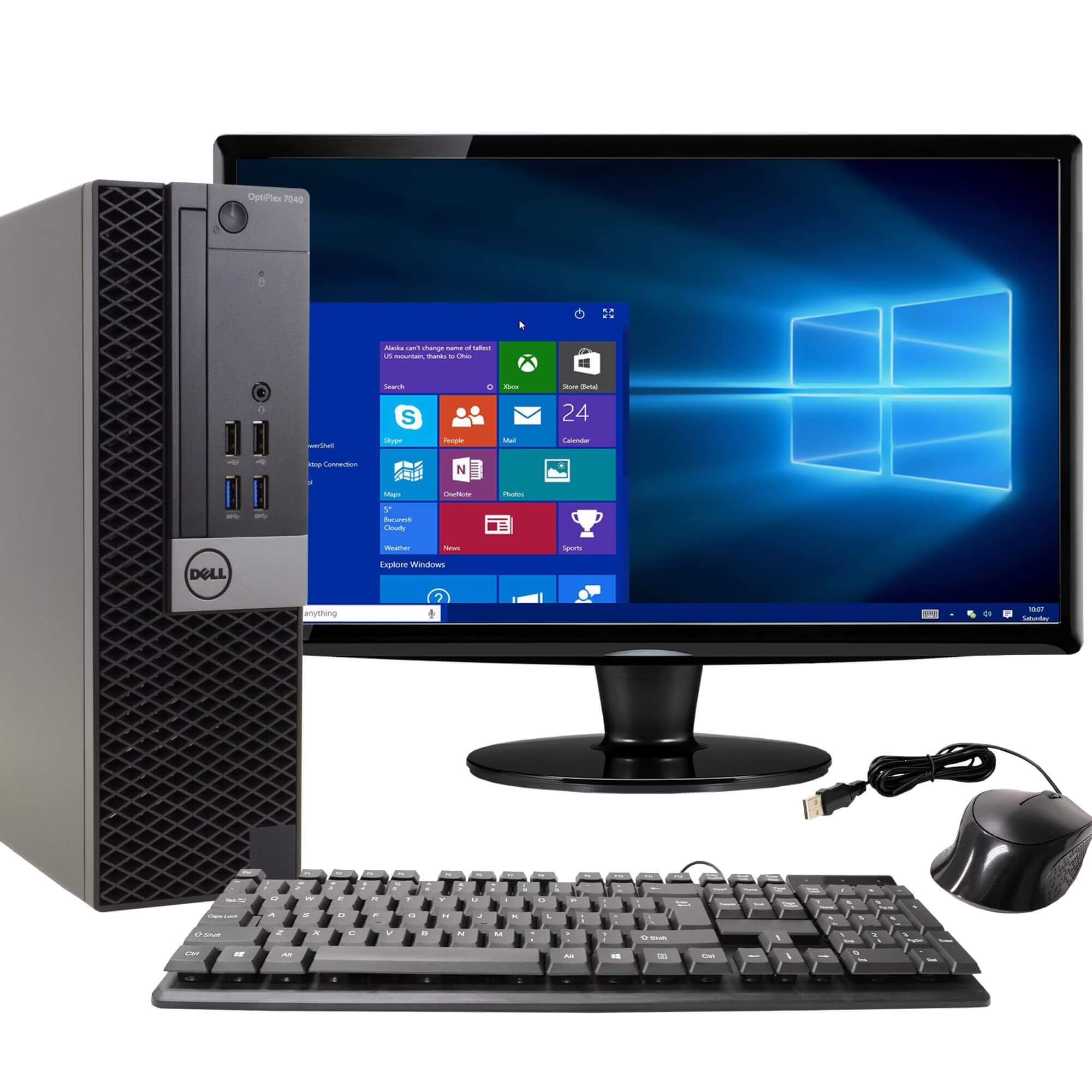
Motherboard form factor affects chassis size, expansion capacity, layout, and cooling. Desktop motherboards have designated form factors such as ATX, Micro-ATX, Mini-ITX, and E-ATX; however, laptop, mobile phone, console, server, and embedded motherboards can and often do use proprietary geometries.
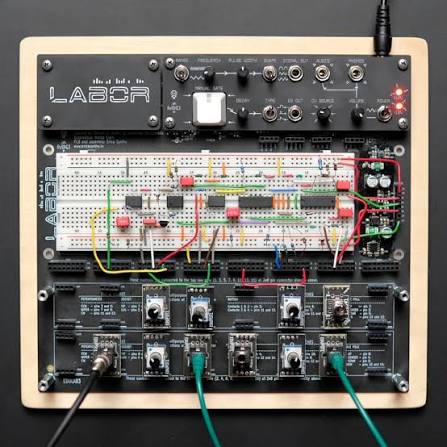
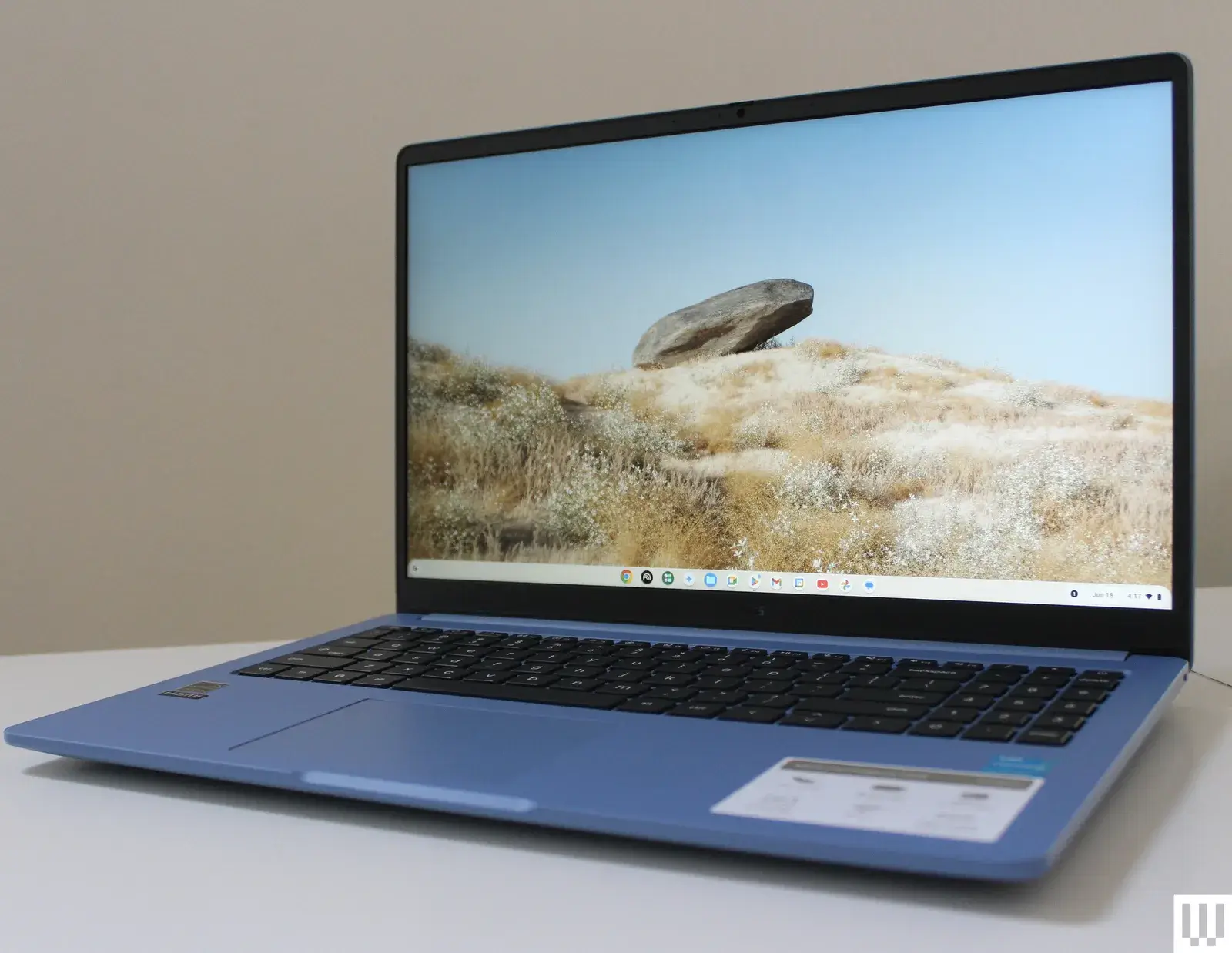
Motherboard Applications


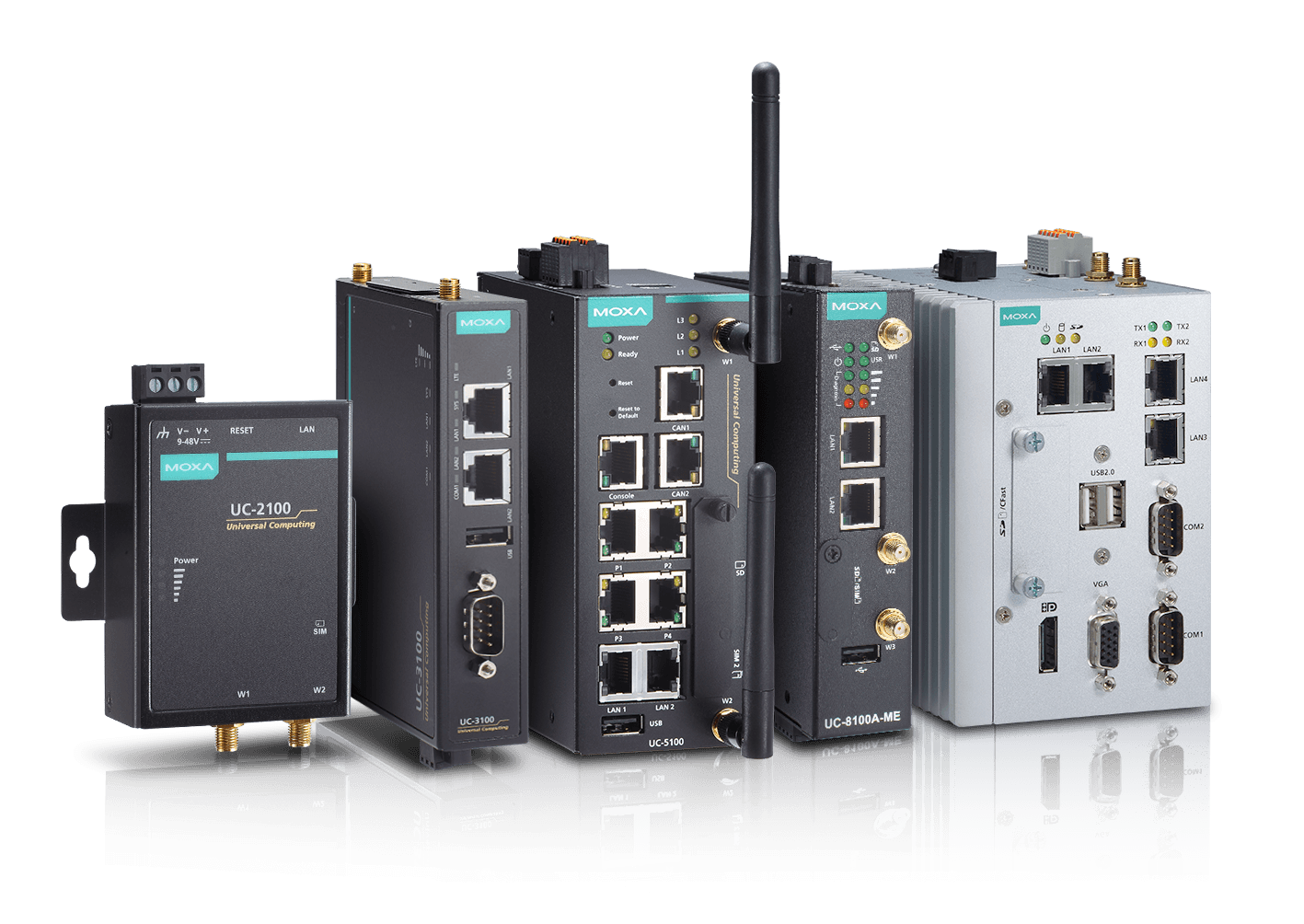
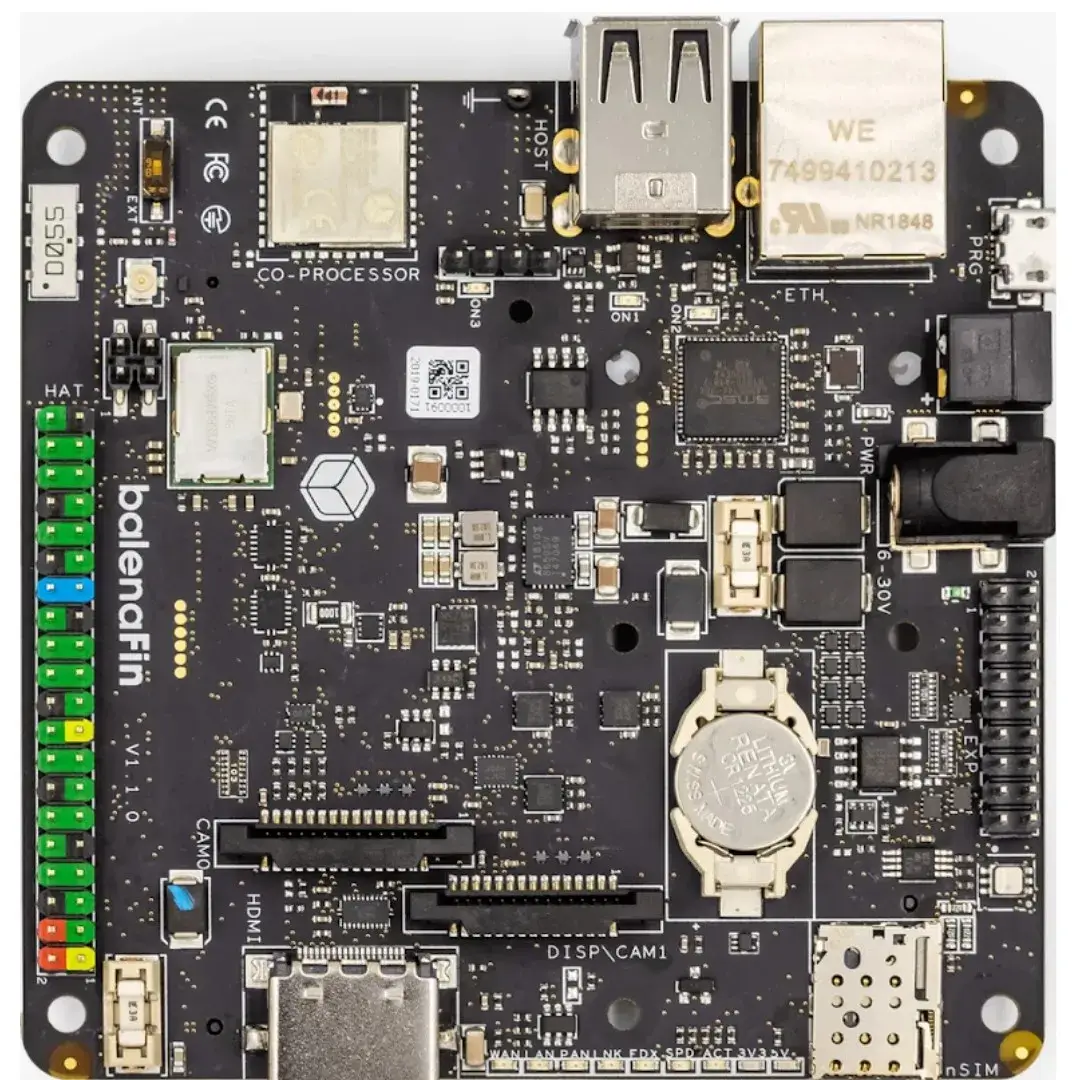
Manufacturing Considerations for Motherboards
A motherboard is a system-level classification. Many motherboards integrate several tightly packed interfaces. The motherboard may include several package types and power domains and multiple firmware-based functions. It is therefore necessary to specify which controls are required by the actual released design.
High-Speed Interfaces and Stack-Up
While each interface type may have its own operating design considerations, the motherboard stack-up must consider the combined stack-up requirements of all interfaces. In addition, the design will need to support testing and verification of the connector launches and return paths associated with each interface.
BGA and Connector Assembly
Motherboards contain a large variety of solder-joint types, including BGA packages, fine-pitch devices, processor sockets, memory sockets, and long I/O connectors. Each type of joint requires specific manufacturing processes for paste transfer, placement, reflow, coplanarity, board support, and inspection access. Visual inspection cannot adequately assess every solder joint hidden from view. In addition, X-ray inspection cannot demonstrate correct powered operation of any package. Therefore, package geometry, board flatness, retention, and connector alignment must each be verified by appropriate acceptance methods.
Power and Thermal Paths
In addition to powering the motherboard itself, processors, memory controllers, storage devices, accelerators, and peripheral devices may all have multiple power-rail requirements (e.g., different transient-response characteristics and different sequencing requirements). Therefore, the power and thermal paths of a system must be evaluated together, from the input electrical power source to the ambient environment. Failure to evaluate these pathways together can result in a functional motherboard that subsequently fails because of excessive heating or stress introduced by the heatsink and enclosure.
Firmware and System Verification
The populated motherboard may be electrically complete. However, it may still depend on boot firmware, initialization data for devices connected to the motherboard, initialization of peripheral devices connected to the motherboard, and calibration for that specific motherboard. Therefore, verification should identify both the hardware revision and the firmware version used during testing. The firmware also has to support the sequences necessary for powering up the motherboard, initializing memory and storage, connecting external interfaces, and performing all functions associated with the management and operation of that motherboard.
Motherboard, System Board, and Mainboard
These terms often overlap, but they are not universal synonyms. Use the wording in the controlled documentation for the exact product and revision.
For purchasing, repair, or configuration control, record the exact and complete description of the item, including the term, part number, model, revision number, and document reference. Similar names do not guarantee electrical, mechanical, firmware, security, or enclosure compatibility.
Frequently Asked Questions
Q1. Is every motherboard a PCB?
Yes. It is still identified as a PCB in the parts list or manufacturing package because it is built from a substrate, copper, holes, finish, and an outline. The term motherboard identifies the board’s functional role in the system. It does not replace the PCB description. Other manufactured PCBs may become controllers, power boards, interface boards, backplanes, or modules after assembly.
Q2. Is a motherboard a PCBA?
A finished motherboard is normally a PCBA because it is already assembled with components and connectors. PCBA does not identify either the role of the board or how ready it is. Such a label might apply to a motherboard, controller, power board, or communication module, and it does not indicate whether the firmware, configuration, or product-level validation is complete.
Q3. Does a motherboard have to be larger or more complex?
No. Many motherboards in computers and servers are multilayer, larger, and denser, although such features are not defining requirements. A small and compact mainboard could also be a motherboard, whereas an RF, power, medical, or HDI board could be larger, use more difficult materials, or require more complex manufacturing controls.
Q4. Is a backplane the same as a motherboard?
Usually not. Backplanes are primarily interconnects providing connections among plug-in cards, modules, storage devices, or power paths. In contrast, a motherboard generally supports or coordinates processing and other central functions. Active backplanes and unusual modular systems tend to blur the distinction, so the documented architecture should determine the name rather than appearance or the number of connectors.
Q5. Are mainboard, system board, and logic board interchangeable?
They may refer to the same principal board within a specific product, but the equivalence is not universal. Dell and IBM use system board in documented server contexts; IBM also uses planar; Apple uses logic board. Replacement and manufacturing records should preserve the manufacturer’s exact term, part number, model, and revision.
Conclusion
A motherboard is a circuit board classified according to its function as the main board-level platform within a specific product architecture. PCB denotes the interconnect object, while PCBA denotes its assembled state. While size, layer count, price, form factor, and number of components describe the design, none of these defines the category. The system architecture, product terminology, part identity, and hardware revision provide the distinction.
Sources
- Global Electronics Association, IPC-T-50 Revision P: Terms and Definitions for Interconnecting and Packaging Electronic Circuits
- Analog Devices, Printed Circuit Board
- Dell, PowerEdge T30 System Board
- Oracle, Server Glossary: Backplane and Motherboard
- Raspberry Pi, Compute Module Hardware
- Global Electronics Association, IPC-2221C: Generic Standard on Printed Board Design
- Global Electronics Association, IPC-7095E: Design and Assembly Process Guidance for Ball Grid Arrays (BGAs)
- Global Electronics Association, IPC-2152: Standard for Determining Current Carrying Capacity in Printed Board Design
- Texas Instruments, High-Speed Interface Layout Guidelines (Rev. J)