Upload BOM & Gerber
-
Mobile: +86 13312967631
-
Email: sales@sugaintl.com

PCB Testing Services
PCB Testing from Bare-Board Electrical Verification to Powered PCBA Functional Testing
SUGA provides Bare-Board Electrical Testing, Flying Probe Testing, ICT, MDA Testing, and FCT across bare PCB, unpowered PCBA, and powered PCBA stages. Results can be retained by unit or lot with the executed program, firmware, measured values, limits, original failure, and retest status.
SUGA's testing team defines test methods, develops automated test fixtures, controls test programs and execution conditions, and links test results to product specifications for unit- or lot-level traceability.
What Is PCB Testing?
PCB Testing is a process to ensure that a fabricated PCB or assembled PCBA meets all specified electrical and functional requirements. The criteria for testing change throughout the manufacturing process, from a fabricated PCB to an assembled PCBA to a powered product.
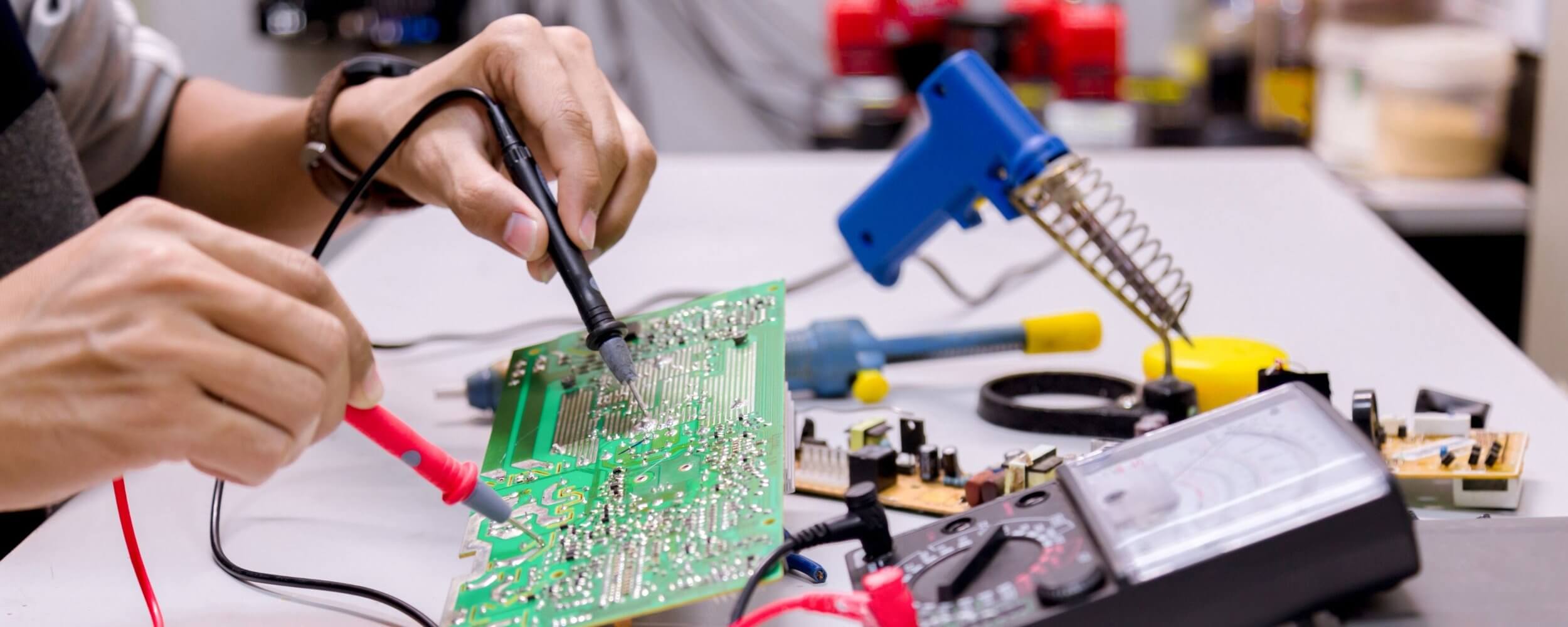
Bare-Board Testing vs. PCBA Testing
For example, when testing a bare PCB, the manufacturer must show that all conductive pathways intended to connect remain connected and that all other conductors remain isolated from each other. When testing an unpowered PCBA, additional evidence must show that the added components, soldered connections, circuit topology, and polarity of each connected component were manufactured correctly. When testing a powered PCBA, the evidence must include the proper operation of firmware, startup characteristics, power-supply rails, current consumption, interface and load characteristics, timing characteristics, and application response. Results from bare-board, unpowered PCBA, and powered PCBA testing are not interchangeable. A pass at one stage does not prove the conditions assigned to another.
What Does PCB Testing Verify?
| Board State | Verification Target | Typical Defects | Result Type |
|---|---|---|---|
| Bare PCB | Continuity and isolation | Opens, shorts, and unintended leakage paths | Net-level status, applied condition, and failed-net location |
| Unpowered PCBA | Electrical and component conditions | Opens, shorts, wrong values, missing components, polarity faults, and accessible connection faults | Measured value, limit, net/component status, and program result |
| Powered PCBA | Startup and application behavior | Overcurrent, rail faults, boot failures, communication errors, timing faults, and load-dependent failures | Source and load condition, values, limits, firmware, interface response, and final status |
PCB Testing Methods
| Test Type | Board State | Main Verification | Result Type | Key Requirement / Limitation |
|---|---|---|---|---|
| Bare-Board Electrical Testing | Bare PCB | Continuity and isolation | Net-level status, applied condition, and failed-net location | Requires verified netlist or test data and defined continuity and isolation thresholds |
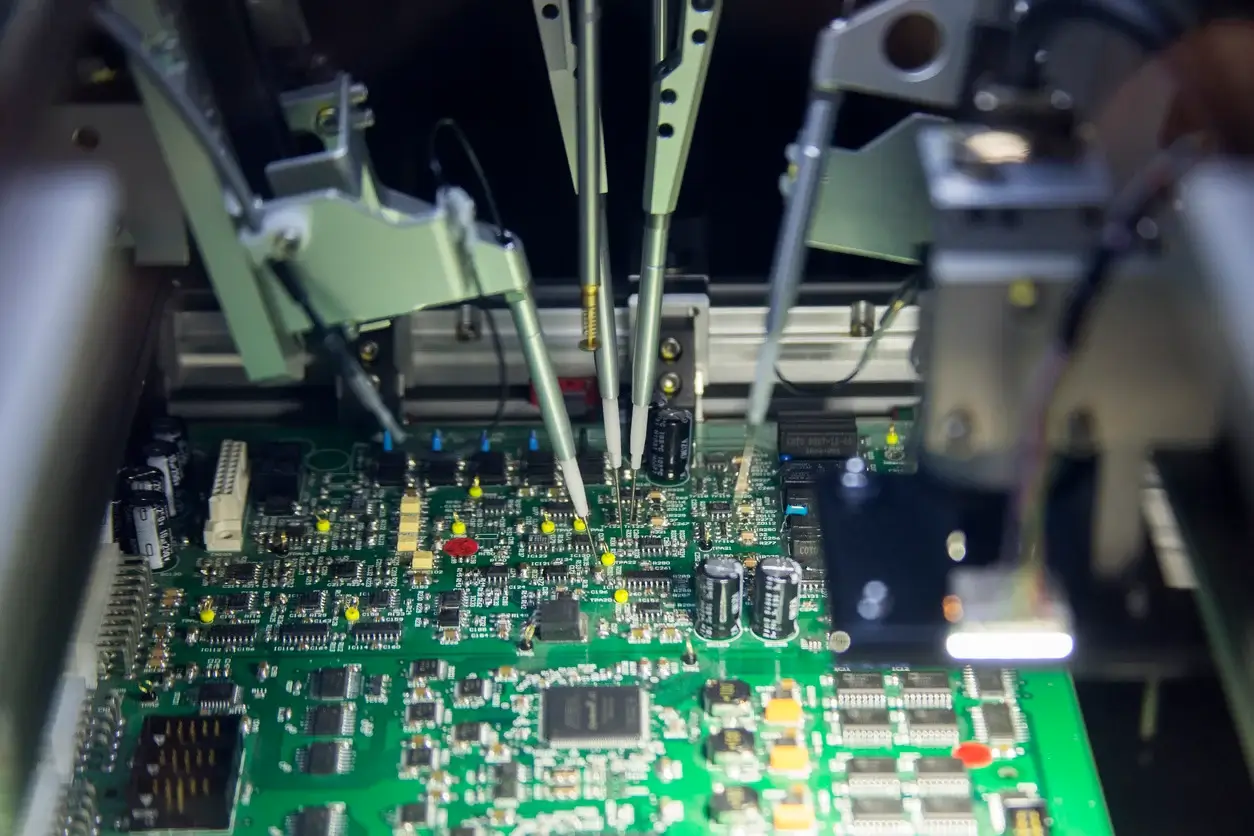
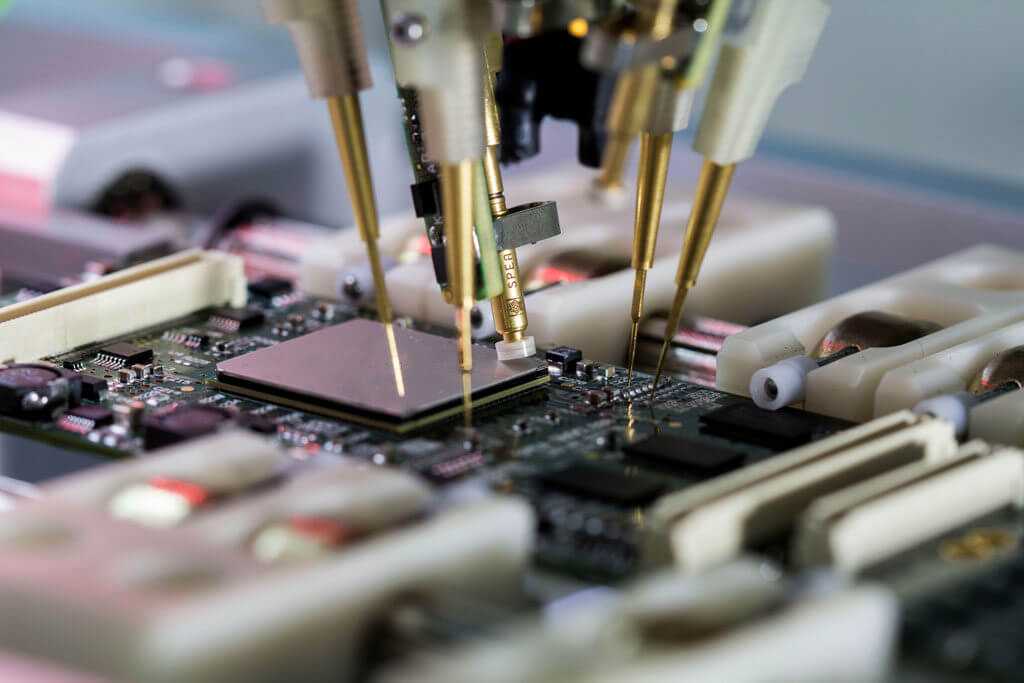
| Flying Probe Testing | Bare PCB or unpowered PCBA | Connectivity and selected component measurements | Net or component measurements and program result | Coverage depends on probe access, circuit topology, parallel paths, and executable targets |
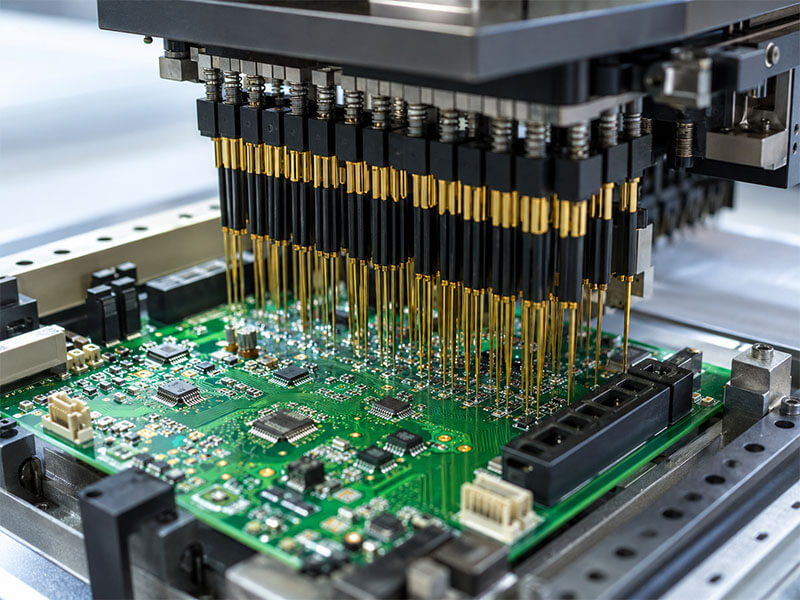
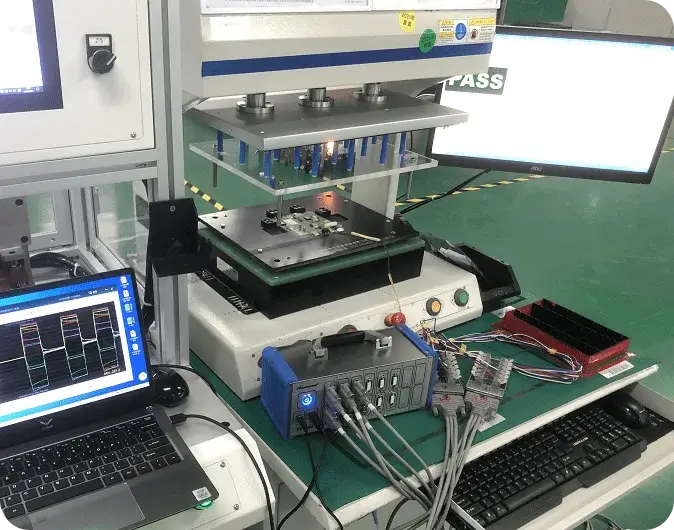
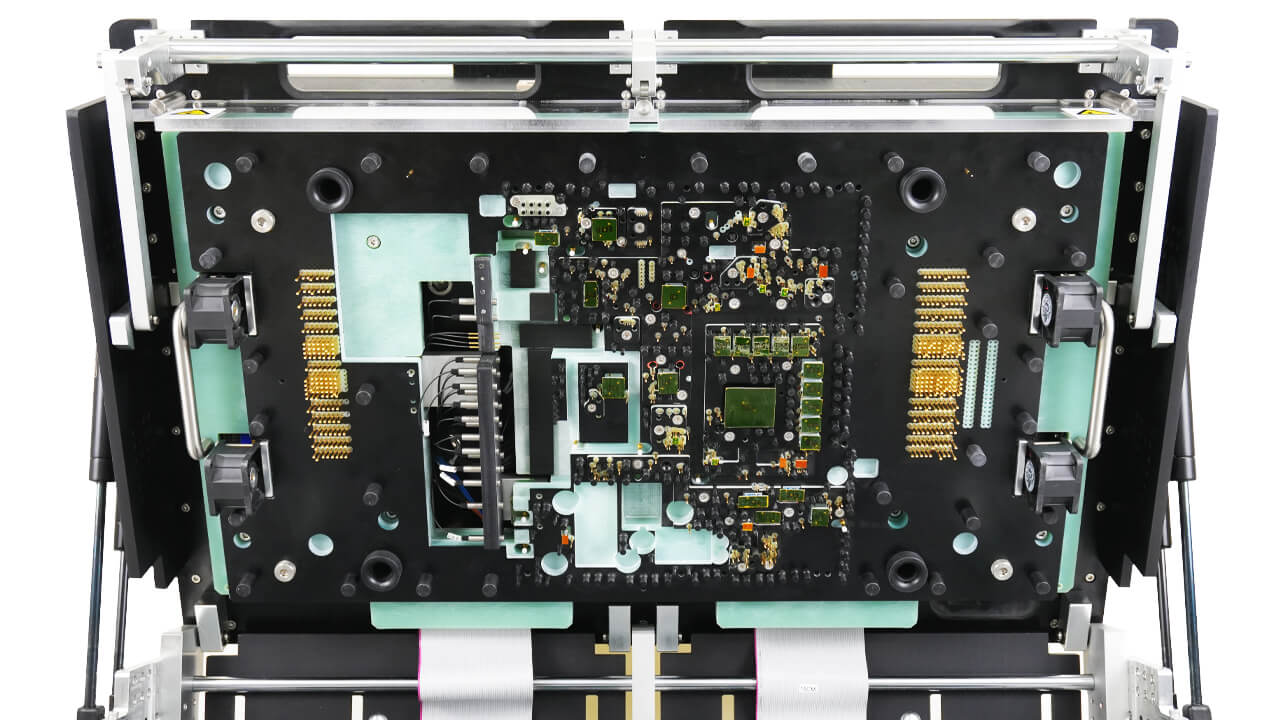
| In-Circuit Testing | Unpowered PCBA | Repeatable electrical and component checks | Measurement, limit, and net or component status | Requires test-point access, fixture validation, and a stable board revision and BOM |
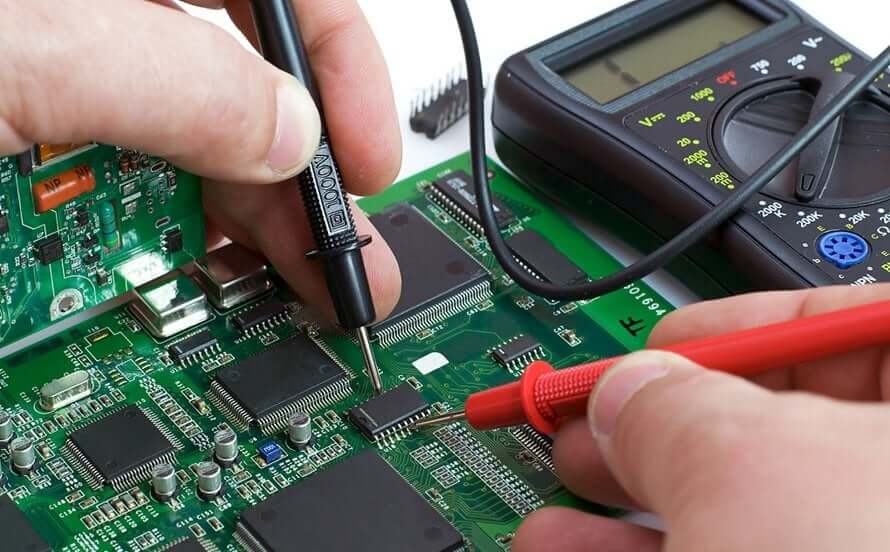
| MDA Testing | Unpowered PCBA | Manufacturing defects and component conditions | Component- or connection-level diagnostic result | Limited powered and active-device verification; coverage depends on accessible targets |
| Functional Testing | Powered PCBA | Startup, firmware, interfaces, loads, timing, and application behavior | Values, limits, interface response, firmware identity, and final status | Requires firmware, stimuli, interfaces, loads, protection limits, and measurable acceptance criteria |
Five services are used to verify the board but take different approaches based on access, fixture, and diagnostic methods: Bare-Board Electrical Testing defines what must be verified; Flying Probe, MDA, and ICT are ways of accomplishing that; FCT confirms operation when the item is under power.
Bare-Board Electrical Testing
Bare-Board Electrical Testing verifies the continuity and isolation of conductive paths, typically comparing the actual PCB against a netlist-derived continuity threshold and a predetermined isolation resistance at a specified voltage, not against an arbitrary pass/fail basis. Accordingly, the results of Bare-Board Electrical Testing provide information about the board revision, net status, applied test conditions, and, if necessary, where the fault occurred. If an assembly requires component verification or powered testing, it will be tested using Flying Probe, ICT, MDA, or FCT rather than through a standalone electrical test.
Flying Probe Testing
Flying Probe Testing uses a programmable test sequence and does not require a dedicated production fixture. It can test bare boards and unpowered PCBAs during prototyping, engineering revisions, lower-volume manufacturing, and when products are still in development because the program can be updated instead of requiring a new fixture.
The executable checks that can be performed with Flying Probe may include open-circuit tests, short-circuit tests, resistance tests, capacitance tests, inductance tests, diode tests, and selected component tests. Actual coverage depends on probe accessibility, circuit topology, parallel paths, component isolation, tester capability, and available design data. As circuits become more complex and there are more targets to test, recurring production cycle time may justify the use of a fixture to reduce test time.
In-Circuit Testing
ICT is performed with a fixture using controlled test programs to perform fast, repeatable tests on finished assemblies. Executable checks that can be performed by ICT include verifying open and short-circuit connections, testing parts for their correct values and polarity, and checking for production-related defects using the validated fixture.
When the board revision, BOM, test limits, production demand, and access to test points are stable enough to warrant fixture preparation, ICT is practical. Factors affecting the accessibility of test targets include probe reach, parallel paths, circuit isolation, and DFT access. ICT provides fixture-based electrical diagnostic capabilities, but it does not serve as a substitute for powered FCT.
MDA Testing
MDA uses analog signature analysis rather than digital vector testing; during this method, manufacturing defects are detected before full power-up by comparing a component's impedance response against that of a known-good component. Depending on accessible circuit nodes, circuit topology, and the selected platform, checks may include component values, polarity, opens, shorts, and connection conditions.
MDA can be used to provide component- or connection-level diagnosis without requiring the entire product to be powered. The limitations of MDA include target accessibility, parallel paths in the circuit, and the analog measurements available for the selected platform; this method does not provide evidence of powered operation or the behavior of active devices.
Functional Testing
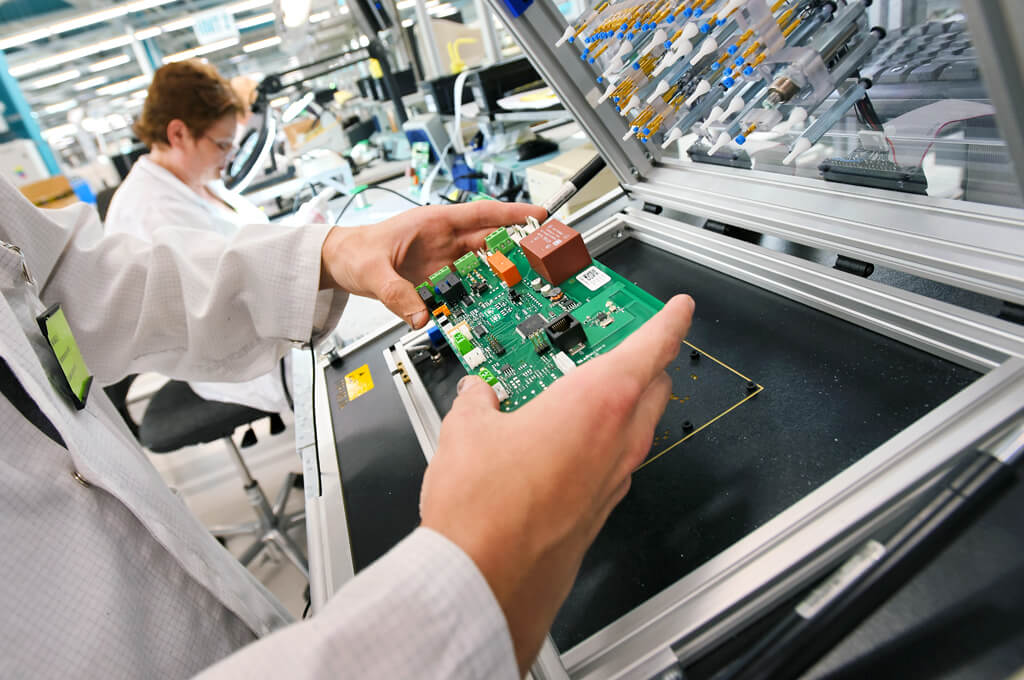
FCT is conducted under the necessary conditions that allow the assembly to operate. FCT uses the necessary electrical protection, firmware, signals, interfaces, loads, input and output checks, and timing controls during execution. It can verify startup, rails, current, boot behavior, I/O, communication, timing, control logic, and application response.
FCT results depend directly on the specific fixture or setup, firmware, electrical load configuration, and limits that were in place when the test was executed.
How Is PCB Test Coverage Defined?
A percentage of coverage alone is not very meaningful without reference to a defined denominator. Coverage statements from SUGA link all claimed results back to a defined basis, so a pass is defined using only the evidence generated by that method, not according to what may have been assumed.
| Coverage Field | Required Content | Risk If Undefined |
|---|---|---|
| Coverage basis | Netlist, BOM, component list, schematic requirements, or functional target list used as the denominator | Coverage percentage has no defined denominator |
| Tested targets | Nets, components, rails, interfaces, or functions actually executed | A pass does not show what was actually executed |
| Additional targets | Targets assigned to another method or not executed in the current setup | Unexecuted targets may be mistaken for covered items |
| Execution conditions | Program, firmware, source, load, interface, and limit set used during testing | Results cannot be reproduced or compared |
| Result data | Raw values, limits, status, program identity, and final disposition | Failure, disposition, and retest decisions cannot be audited |
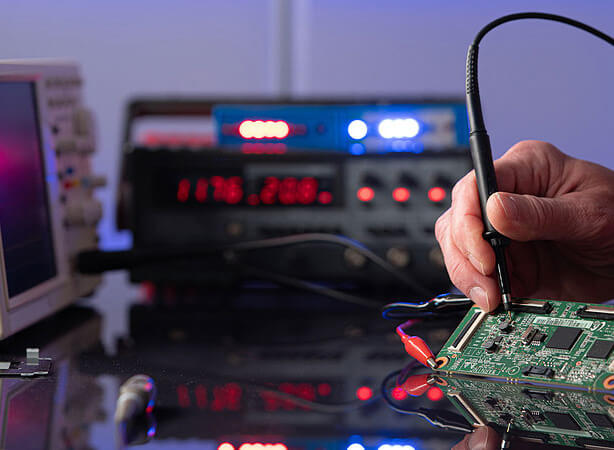
How Does PCB Testing Scale with Production?
As demand stabilizes, production options shift from simple programming updates to ongoing production realities such as repeatability, cycle time, fixture cost, and unit cost. The sequence of testing types may change, but bare-board, unpowered, and powered test evidence can help determine different failure modes.
Prototype and Low-Volume Test Strategy
Prototype testing is generally performed without fixed production tooling, thereby allowing for a combination of Bare-Board Electrical Testing, Flying Probe Testing, and targeted FCT during the prototype design phase to accommodate PCB design changes.
Low-volume production testing may use a combination of Bare-Board Electrical Testing, Flying Probe Testing, MDA, and targeted FCT, based on the level of diagnostic coverage and output rate. After firmware, interfaces, loads, and acceptance limits have stabilized, functional coverage can expand.
What Changes in Volume Production?
ICT becomes practical for a PCB design when PCB revisions, BOM, DFT accessibility, limits, and measurement targets have become stable enough for fixture validation. MDA testing can continue where its coverage and cycle time fit the product, while FCT remains necessary to confirm powered operation.
| Production Condition | Primary Testing Approach | Reason for Use |
|---|---|---|
| Design stabilization | Bare-board test + Flying Probe or MDA + expanding FCT | Confirms repeatability before fixture investment and final program validation |
| Recurring volume | Bare-board test + ICT or MDA + FCT | Improves production repeatability and execution time while retaining powered verification |
| Mature high volume | Fixture-based diagnosis + automated logging + FCT | Supports stable throughput, traceability, and rapid failure disposition |
Transition from Flying Probe to ICT
The transition from Flying Probe Testing to ICT will occur when stable product demand, test-point accessibility, and cycle-time savings justify the cost of fixture creation.
Correlation compares shared targets under equivalent conditions rather than assuming both methods produce the same evidence. Differences in probe paths, isolation methods, sequencing, instrument ranges, and limits must be resolved before ICT becomes the primary method for recurring production testing. Flying Probe Testing will remain appropriate for design revisions and diagnostic purposes during low-volume production.
The transition record retains PCB revisions, fixture identity, fixture validation status, ICT program, correlation of shared targets, resolution of differences between results, and the format of recurring results.

What Makes a PCB Test Valid?
| Execution Area | Required Control | Logged Result |
|---|---|---|
| Fixture or setup | Correct identity, validated state, protection, and connection repeatability | Setup identity, validation status, and execution record |
| Board configuration | Correct part number, revision, BOM state, and manufacturing lot | Product identity and revision link |
| Program and firmware | Program, firmware image, sequence, and limit set | Program and firmware revision |
| Source and load | Defined voltage, current protection, signal, interface, and load condition | Applied condition and measured response |
| Measurement system | Suitable range, unit, tolerance, and calibration state | Raw value, unit, limit, timestamp, and status |
| Result control | Original result, failure code, repair action, retest, and disposition | Traceable test record |
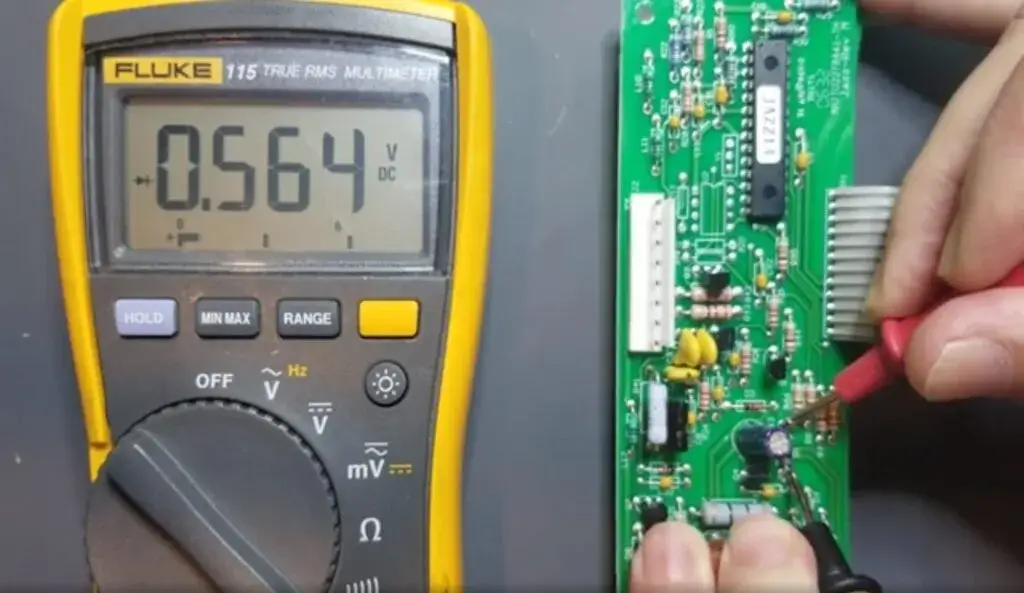
Test Setup Control
The fixture/setup interface identifies the correct connection between the board and the assigned test sequence and prevents unstable contact, unsafe power application, or inconsistent loading. Validation must confirm the test setup identity, protection characteristics, repeatability, validated configuration, and maintenance state for use in the production environment.
A product name may remain the same, but a change to a board revision or interface will affect whether the original fixture, cable set, load, or connector arrangement will work with the modified version of that board and will therefore require assessment before reuse.
Test Configuration Control
Tests can produce valid results only when the board revision, program, firmware, test sequence, and limit settings all match. Electrical targets can be defined using design data, while component and functional conditions rely on the BOM, schematic intent, interfaces, loads, startup sequences, and firmware configuration.
A program will not be reused automatically after modifications to a layout, BOM, component, firmware, or interface. If a modification affects the expected values or performance, the program and limits must also be updated and revalidated for production use.
Measurement Conditions
Rather than listing instruments to describe measurement capabilities, the measurement capabilities and conditions must be described. Voltage, current, resistance, capacitance, inductance, frequency, input/output, and communication must each be measured using an appropriate source, load, protection measure, range, unit, and acceptance limit.
The same measurement name can refer to different engineering measurement decisions. For example, static rail voltage, startup current, loaded output voltage, and communication response are not interchangeable. The test records must retain the condition applied so that a subsequent run can reproduce the measurement and compare the result with the correct limits.
PCB Testing Process
Bare-Board Electrical Testing
Continuity and isolation are verified before the addition of electronic components to eliminate diagnostic ambiguity from components added to the assembly. Therefore, any defective bare board will be identified and dispositioned before assembly so that the fabrication defect does not consume electronic components or downstream testing capacity. The results retain the applicable condition, net-level status, and fault location when required.
The corrected or replacement bare board will undergo the same test definition.
Unpowered PCBA Testing
The assembly is tested in the unpowered state before full product operation using Flying Probe, ICT, or MDA according to the target defect and production stage. Executable checks may find opens, shorts, component values, polarity, and connection faults before full product power is applied to the assembly. The output is a net-level or component-level diagnostic result, not evidence of complete product performance.
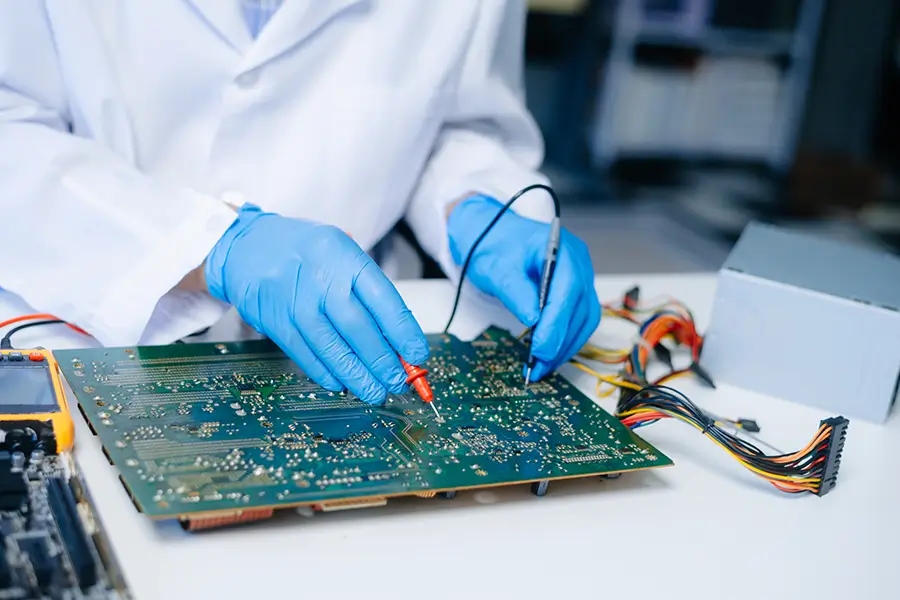
Controlled Power-Up
The Controlled Power-Up step applies the source and protection limits established and recorded before full product functionality is applied. During this step, the station monitors the startup current, rails, and response of the assembly. If an abnormal condition exists during this step, the test will stop and will not apply full loads or interface activity to an unsafe condition. The Controlled Power-Up step produces a safe-power decision and records startup measurements.
Functional Verification
The FCT step uses the firmware, signals, interfaces, and loads required to exercise and verify product functionality. During the FCT step, startup, communication, I/O, timing, and load response will be compared with the acceptance limits established for the product. The output of the FCT step will remain linked to the operating configuration used during testing.
Failure Disposition and Retest
A repair does not close a failure. Engineering will retain the original result, failed condition, available diagnosis, corrective action, and affected sequence and will repeat that sequence using the same execution condition under which the failed condition was produced. The final status of the board—accepted, rejected, or quarantined—will be recorded with the initial failure, not in place of it.
Reliability Verification and Failure Closure
Routine production testing only provides proof of the required electrical and functional conditions of the product according to the program; it cannot provide proof of endurance or environmental verification. Additional reliability testing, including extended load runs, repeated power cycles, temperature-conditioned sequences, and customer-defined endurance sequences, will be scoped separately and will have its own applied condition, acceptance limit, and duration. When the output of the production test is not adequate to explain a failure mechanism, focused failure analysis is performed to compare the findings with the original test condition, and corrective action will be closed only after the affected sequence produces an acceptable result under the same conditions.
Applications
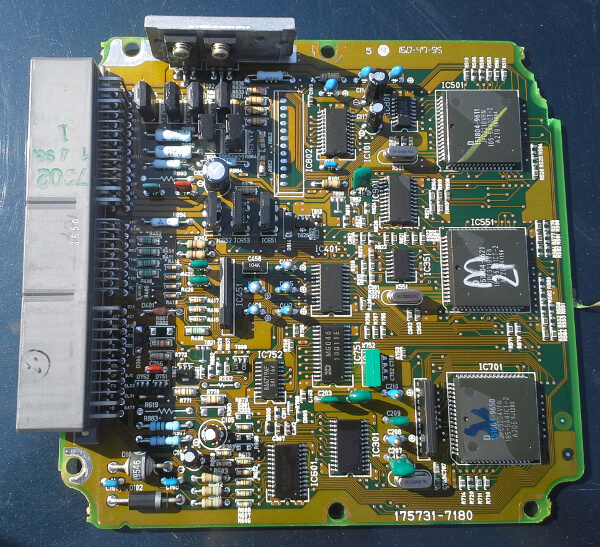
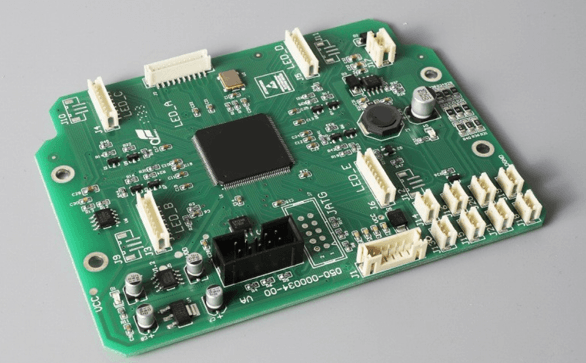
Automotive Control Modules
Automotive control modules require controlled power sequencing, communication checks, connector load evaluation, and traceable hardware and software configurations. Bare-Board Electrical Testing indicates conductor integrity; Flying Probe, ICT, or MDA verifies accessible assembly defects; FCT verifies startup, network response, and driver behavior of the controller. Static test results may pass, while CAN or LIN wake-up, brownout recovery, and high-side or low-side fault conditions are revealed only after a load is applied to the connector. Gateway timing mismatch issues may only appear when all modules in a multi-ECU environment are tested together. Records must link the hardware revision and software variant to the load condition and response results.
Medical Monitoring and Control Electronics
Medical monitoring and control electronics must provide explicit coverage for low-level signals, sensor paths, alarm conditions, firmware-controlled functions, and interfaces. Unpowered methods are used to identify assembly and component defects before power-up. Once power is applied, FCT requires a simulator or precision source for offset, gain, threshold, and alarm-behavior testing related to the firmware and calibration state. The hardest failure to find is a board that boots normally and passes a single-point signal test but misreads or delays an alarm only at a clinically realistic input near the threshold.
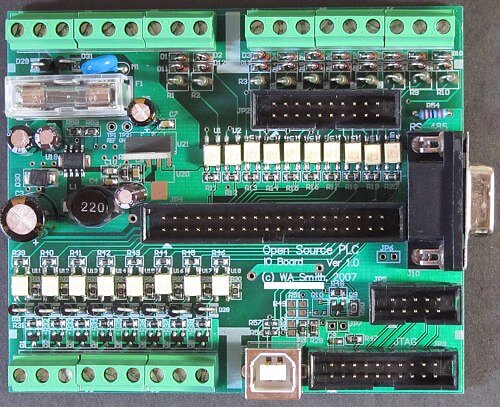
Industrial PLC and Motor-Control Boards
Boards in an industrial environment use many I/O channels, field power, relays, drivers, and communication interfaces. Flying Probe, ICT, or MDA can be used to check for open circuits, short circuits, and component faults at accessible nodes before powering up the assembly. FCT applies representative field stimuli to 24V digital channels and 0-10V or 4-20mA analog channels, with relay and driver loads. These stimuli are recorded along with the channel number and response to distinguish a wiring fault from a firmware error. A channel may pass all tests when isolated from other channels but may fail once a relay load switches on an adjacent circuit; this coupling may only appear during simultaneous rather than sequential load testing.
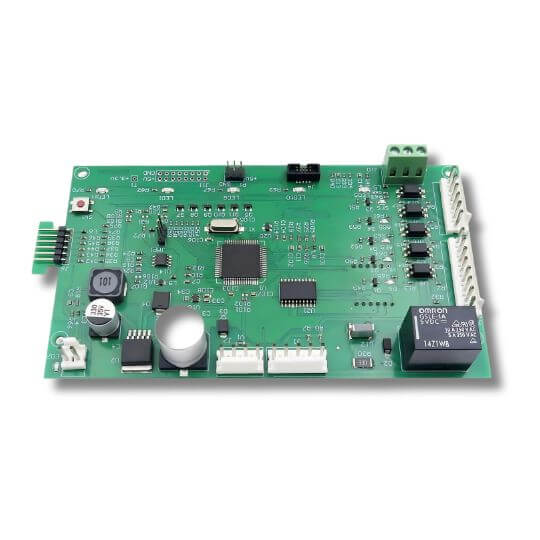
Robotics and Motion-Control Electronics
Boards used for electric motors, robotics, and motion control can be affected by how electrical power is delivered from the external source to the motor; feedback timing for the position of the robot or motor; how the controller communicates with the driver; interlocks that prevent interference between motors, robots, or operators; and the timing between commands and responses. Testing the assembly without power applied will help identify assembly issues before power-up. FCT must include encoder or feedback simulation of the position of the motor or robot, interlock states, controlled drive loads, and checks of the timing of each command-response cycle. An assembly can pass electrical tests for all applied voltages; however, it may still encounter phase, direction, or latency failures when commanded to produce motion. The same is true for multi-axis designs; one axis can pass testing in isolation, but when the axes work together, a timing error may appear only when they move together.
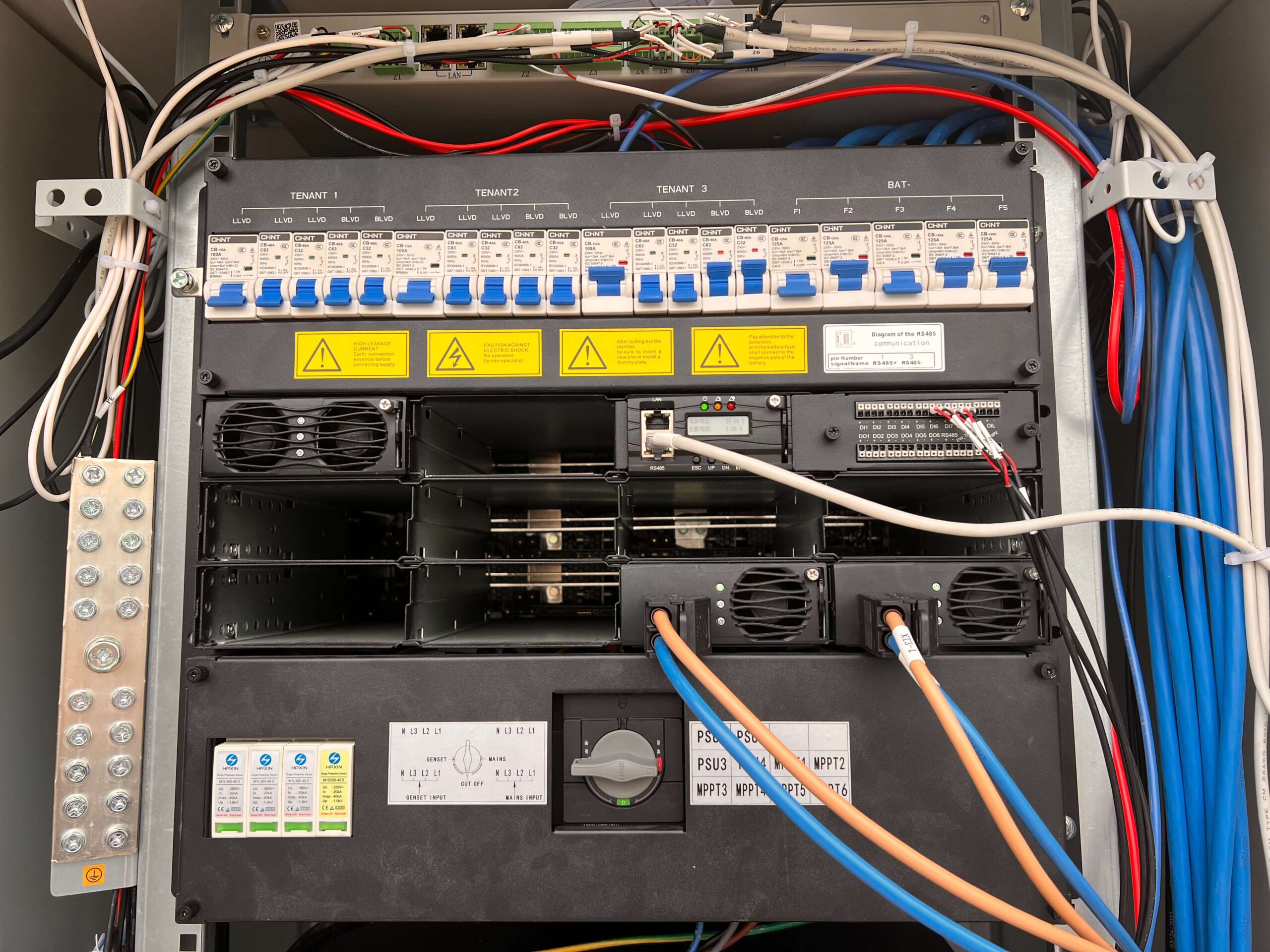
Telecom Modules
Modules used for telecommunications require stable power, stable clocks, reset signals, digital interfaces, firmware configuration, and an appropriate response when the module receives commands. Bare-Board Electrical Testing verifies the conductor network of the board; Flying Probe, ICT, or MDA is used to verify accessible assembly conditions. FCT should isolate power faults, clock faults, firmware faults, link-training faults, and configuration failures. A telecommunications module can complete static link tests but experience signal-integrity or data-error-rate problems when running actual traffic; therefore, throughput tests are meaningful only when the interface and traffic patterns are defined at the time of testing.
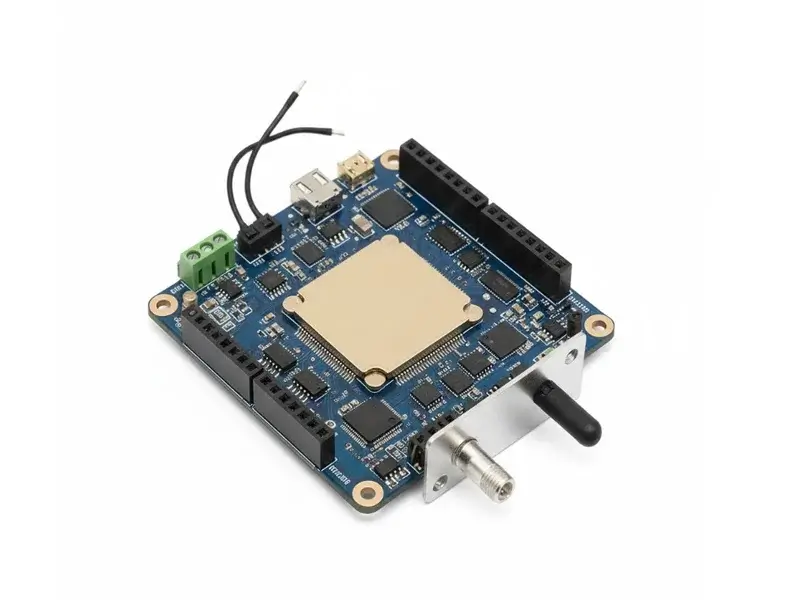
IoT Gateways and Device Controllers
IoT gateways can include multiple firmware variants, sensors, low-power states, external interfaces, communication modules, and communication protocols. Testing the modules without power can provide information about component and assembly integrity before power-up. Following the unpowered test, event logging should be used to confirm boot from a cold start; sensor stimulus; interface response to external commands; reduced current draw in sleep mode; and the ability to wake on command without losing or improperly processing commands while an OTA firmware update window is pending. This timing relationship will not be revealed when FCT uses only a single power-on state.
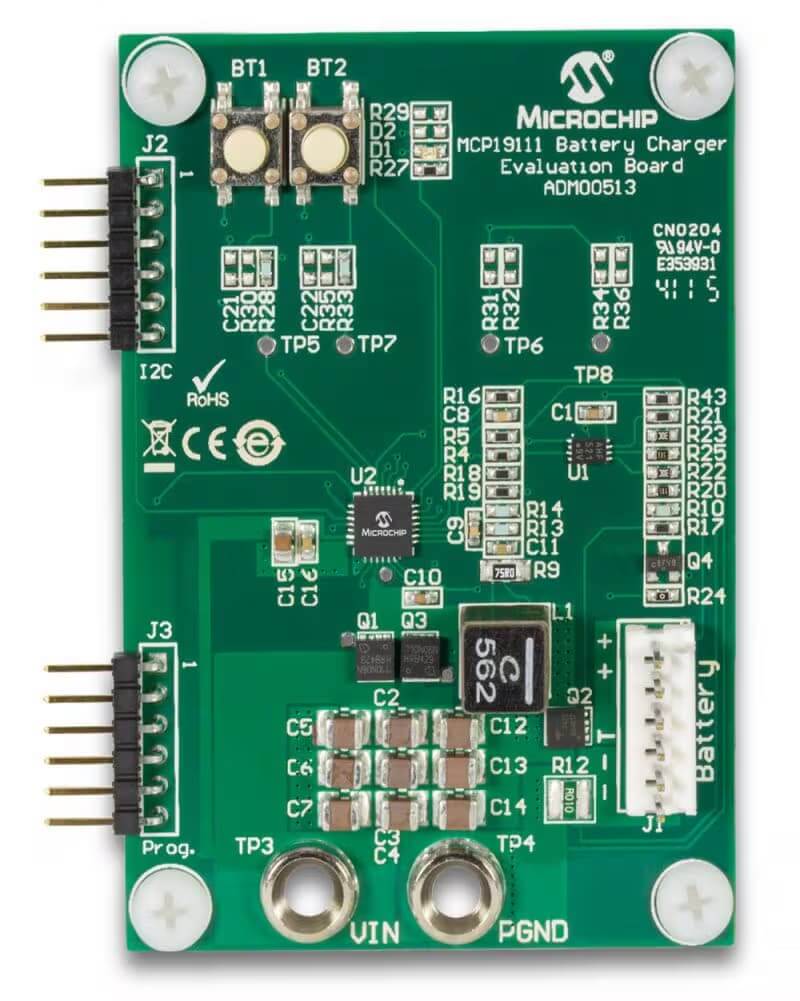
Battery Management and Power-Conversion Boards
Power-conversion and battery-management boards require controlled starting conditions due to the interdependencies of sensing, switching, current paths, and protection logic under load conditions. Performing Bare-Board Electrical Testing establishes the integrity of the conductor paths, while unpowered PCBA testing allows for testing of accessible components and connections. FCT could require simulating cell voltage, calibrating current sensors, providing precharge or gate-drive sequencing, and confirming multiple protection thresholds. Applying full power before completing sensing or protection testing exposes the prototype to the greatest risk. A cell-balancing algorithm that successfully runs at mid-state of charge may leave blind spots at or near a fully charged cell or a near-empty cell state during balancing—those areas exhibit the least-tested balancing activity.
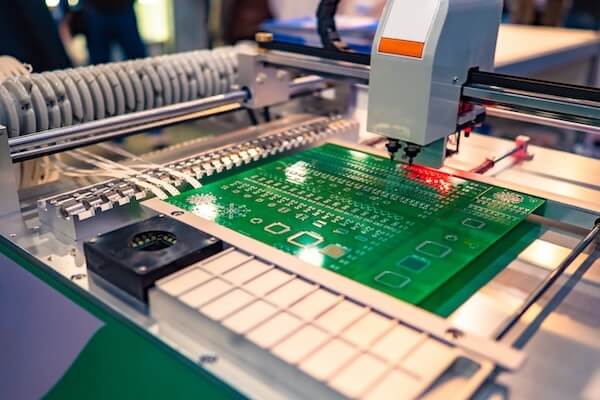
Aerospace and High-Reliability Control Electronics
Aerospace and High-Reliability Control Electronics require controlled configuration, auditable testing, and failure closure across electrical, unpowered, controlled power-up, and functional requirements assigned to specific requirements; they cannot simply group requirements under generic pass claims. Product-specific risks include watchdog operation, power-on self-test functionality, the availability and checking of redundant channels, and recovery from reset states. A redundant channel may switch over cleanly in a static test, but the redundant channel may still show a transient voltage drop during an actual failover—this transient condition can only be found by switching over a powered, loaded prototype and cannot be found using a logic-level test.
Example PCB Testing Scenarios
Locating a Bare-Board Open before Assembly
An example bare-board testing scenario is continuity testing a required net after the board is fabricated. The testing identifies that a specific net has failed and ties the result to the board revision and unit or panel identity. This prevents the board from being loaded with components and consuming downstream test capacity.
After correcting fabrication errors or replacing the board, the same net requirement and acceptance condition will be reapplied to the test. The repeated result closes the original bare-board failure without replacing the original result.
What Must Be Revalidated after a Board Revision?
Just because the new revision of the board fits into the existing ICT fixture does not mean that probe access, parallel paths, component isolation, expected values, or firmware-controlled states remain unchanged. Reuse requires confirmation of proper fixture contact, board identity, program and limit modifications, newly added or deleted targets, and correlation of measurements affected by the revision. Any targets that cannot be tested using the existing fixture should be tested by another method or designated as exclusions instead of being silently carried forward from the previous coverage statement.
Why Did the Board Fail under Load?
Even though the PCBA passed the bare-board and unpowered tests, it failed during initial power-up at the required load. To reproduce the failure, FCT must be performed and document all information gathered before the failure occurred, including source protection, rails, input current, output response, timing, firmware, and interface state. The first instance of a signal exceeding the allowable value will identify where otherwise compliant startup behavior stops; however, the failure must be diagnosed and not simply assumed to be the component producing the first abnormal output.
After correcting the failure, a second FCT must be conducted with the same settings as the failed test and re-execute the startup and load sequence with the same program, firmware, source, interface settings, and limits. This retest preserves both the failed and repeated measurements, proving whether the load-dependent behavior was corrected rather than simply passed under an easier condition.
Test Reports and Deliverables
SUGA provides the deliverables in accordance with the agreed coverage statement and provides separate documentation for bare-board results, unpowered diagnostics, powered FCT results, and linked failure and retest records. Each deliverable is based on the particular board state and test method so that a pass status does not imply coverage for all possible targets, but only for those that were executed during testing.
Traceable Test Records
| Report Field | Required Content |
|---|---|
| Coverage and exclusions | Coverage basis, executed targets, targets assigned elsewhere, and exclusions |
| Product identity | Part number, board revision, serial number, or manufacturing lot |
| Execution identity | Test method, station or fixture, program revision, and firmware revision |
| Measurement condition | Source, load, interface, or other condition needed to interpret the result |
| Result data | Measured value, unit, limit, failed target, timestamp, and status |
| Failure handling | Failure code, repair or corrective action, and responsible disposition |
| Retest closure | Repeated sequence, same-condition result, and final accepted or rejected status |
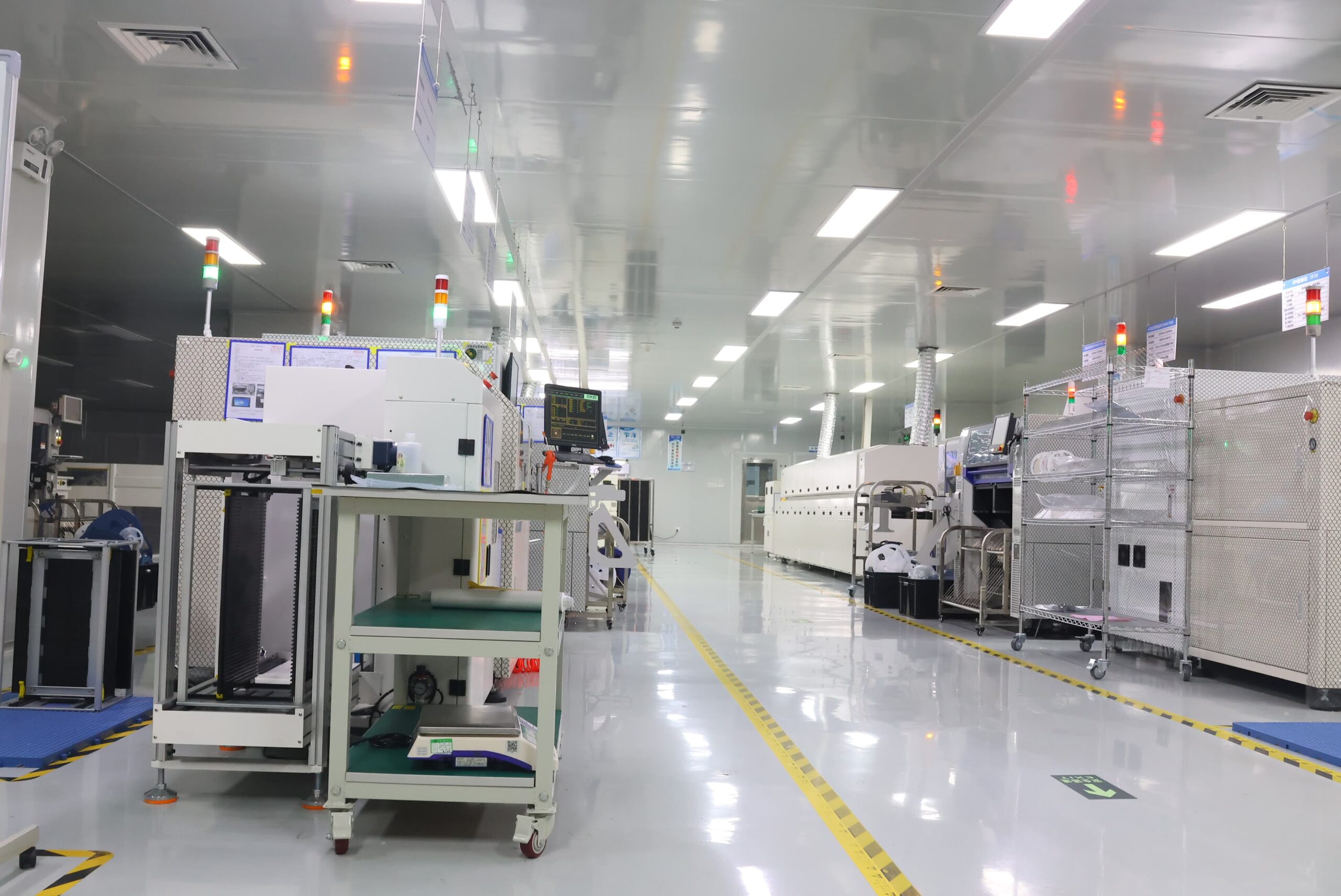
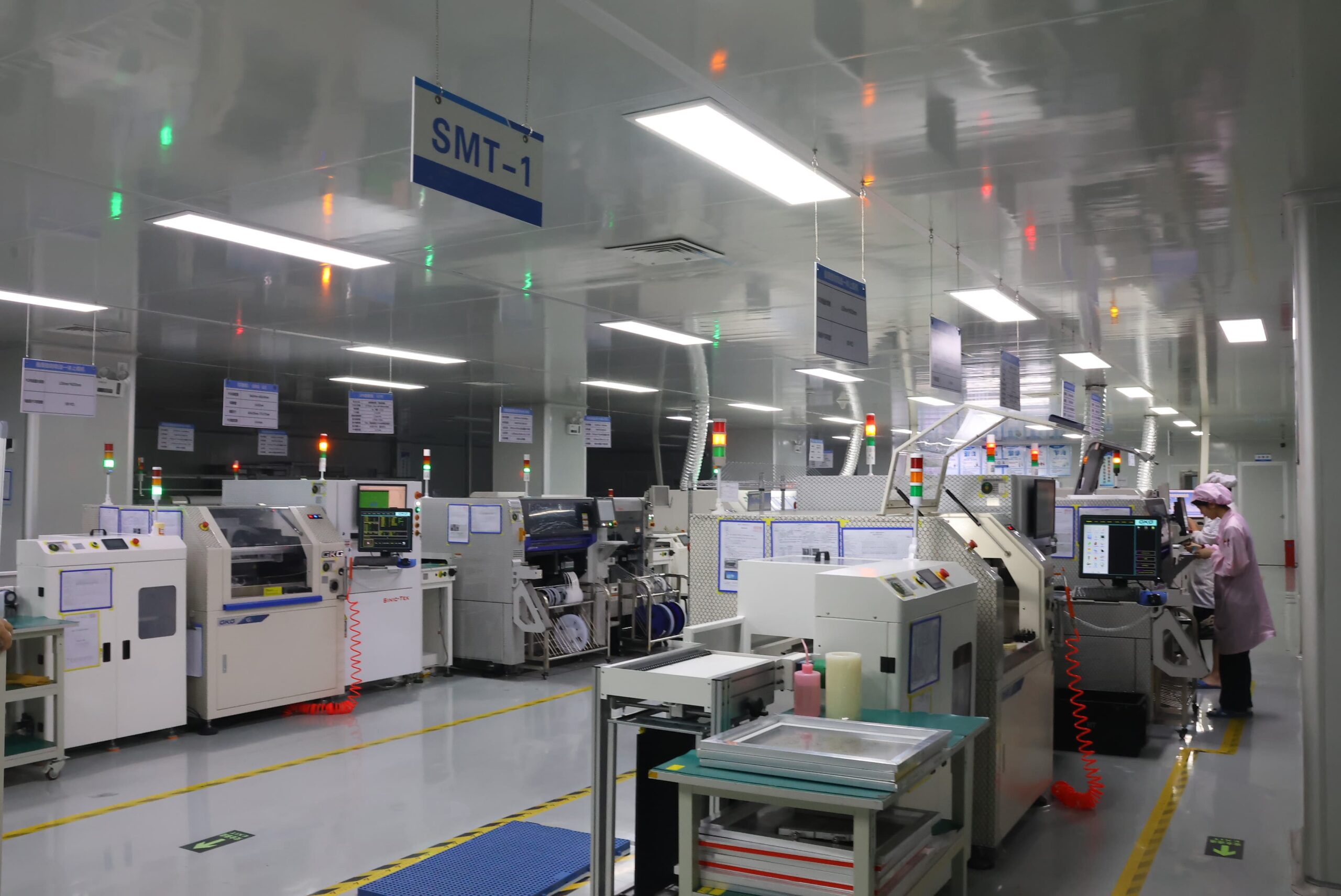
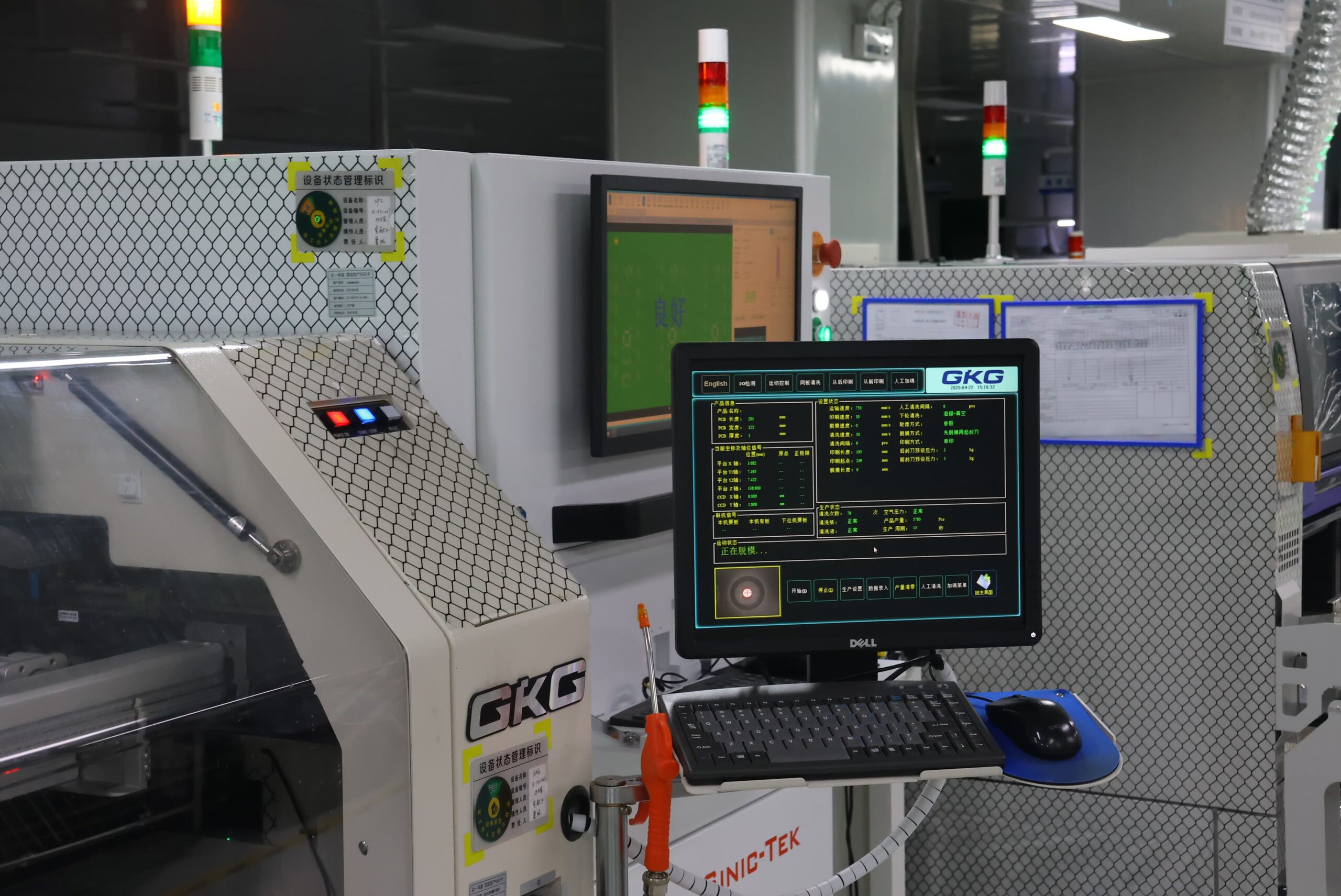
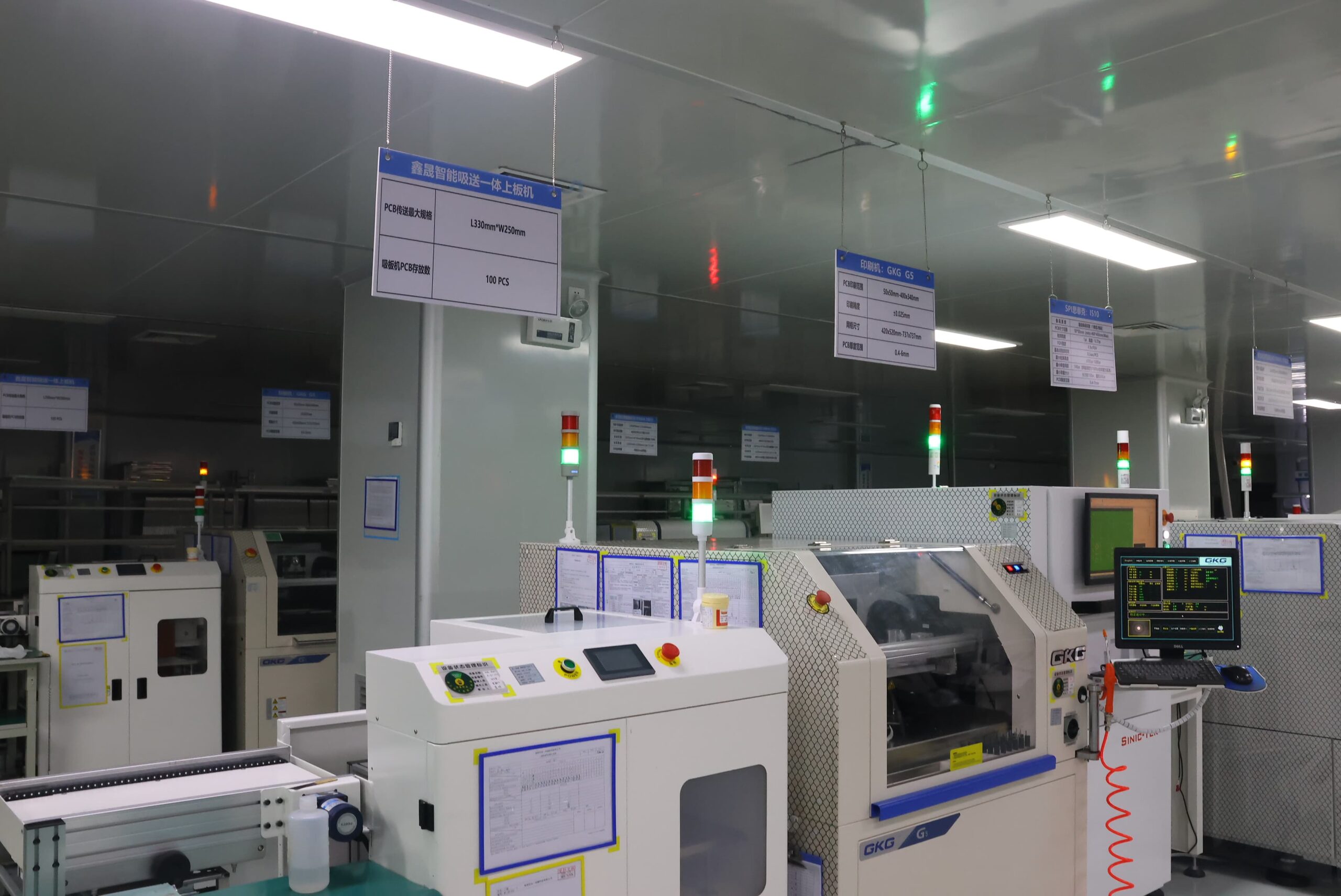
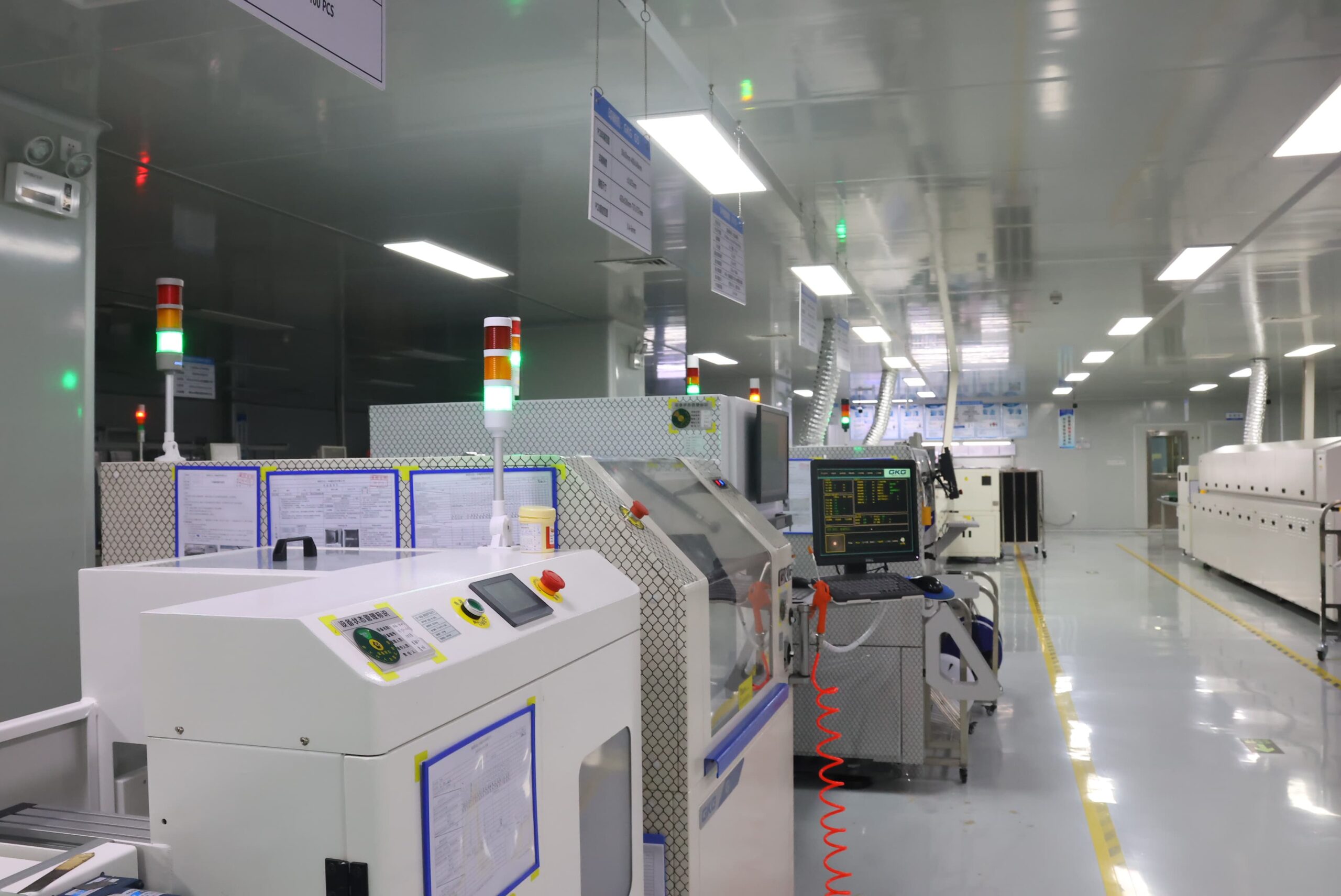
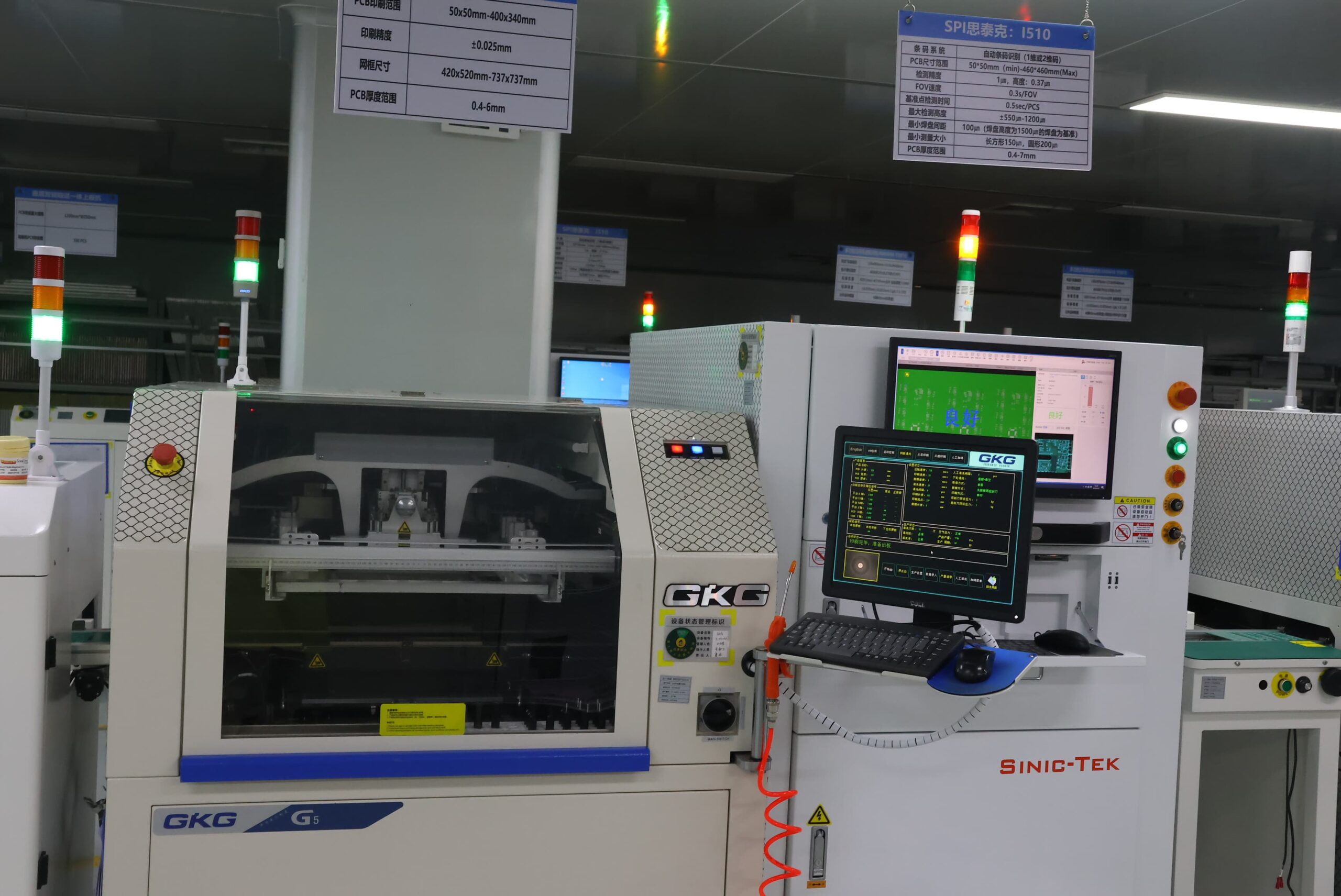
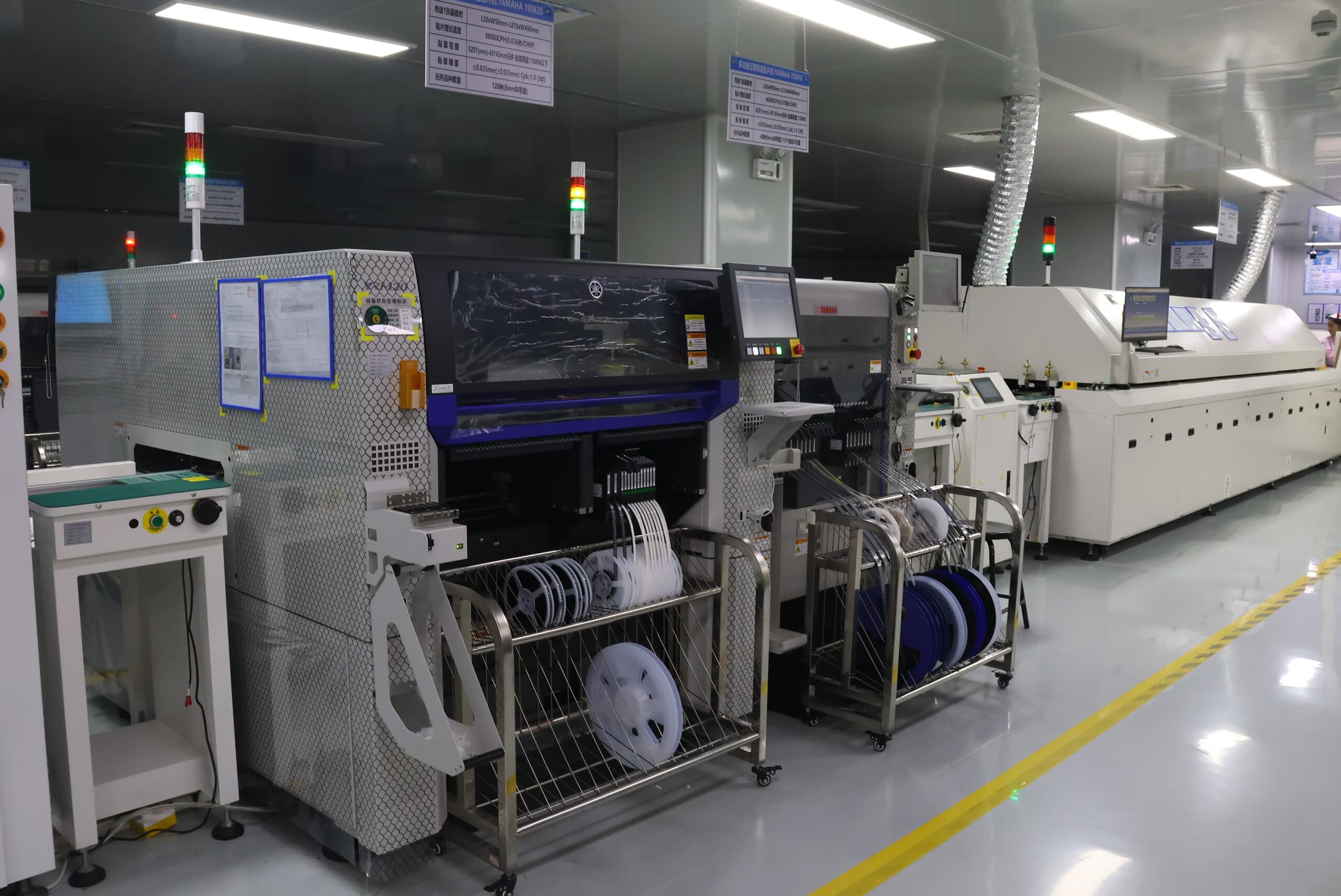
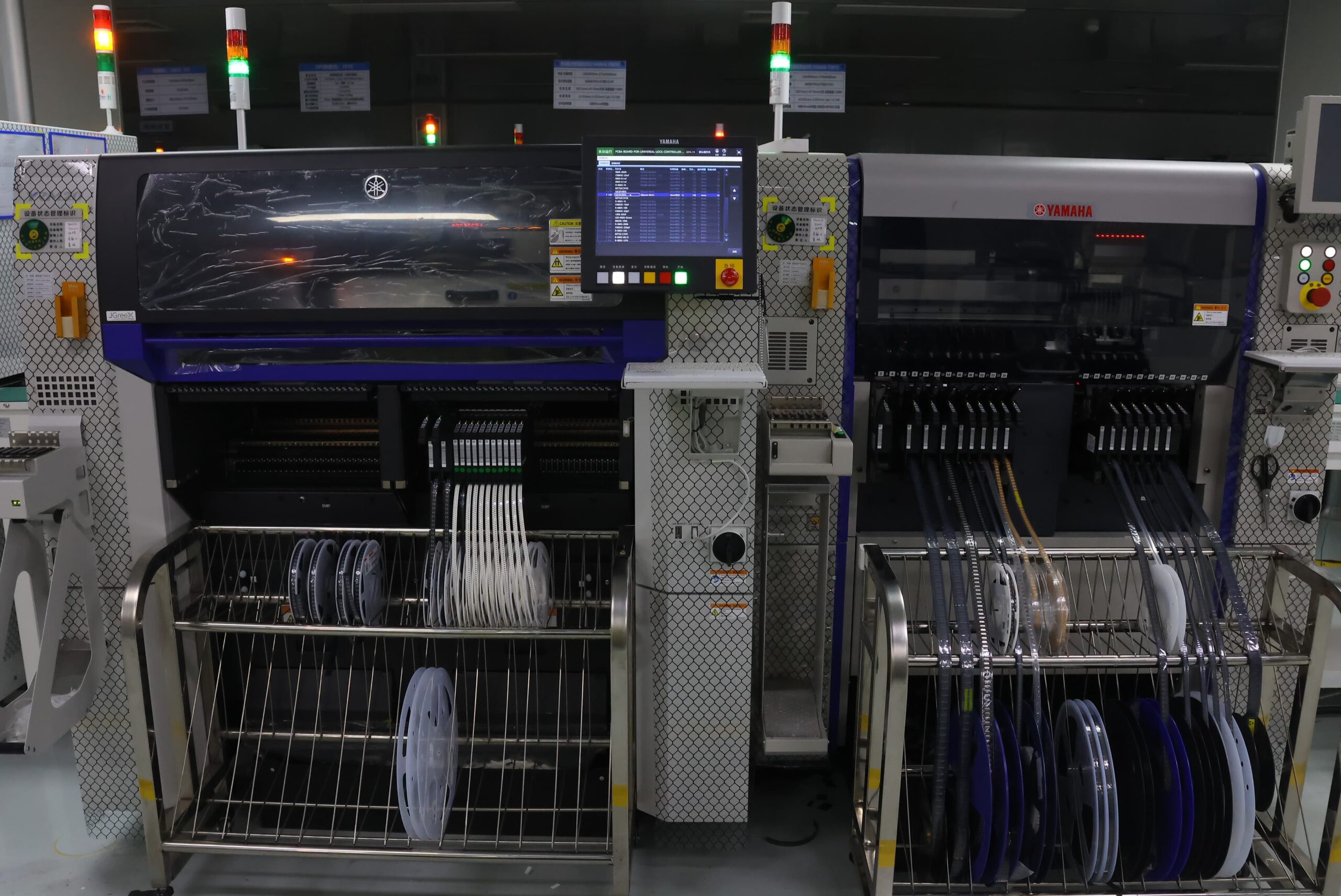
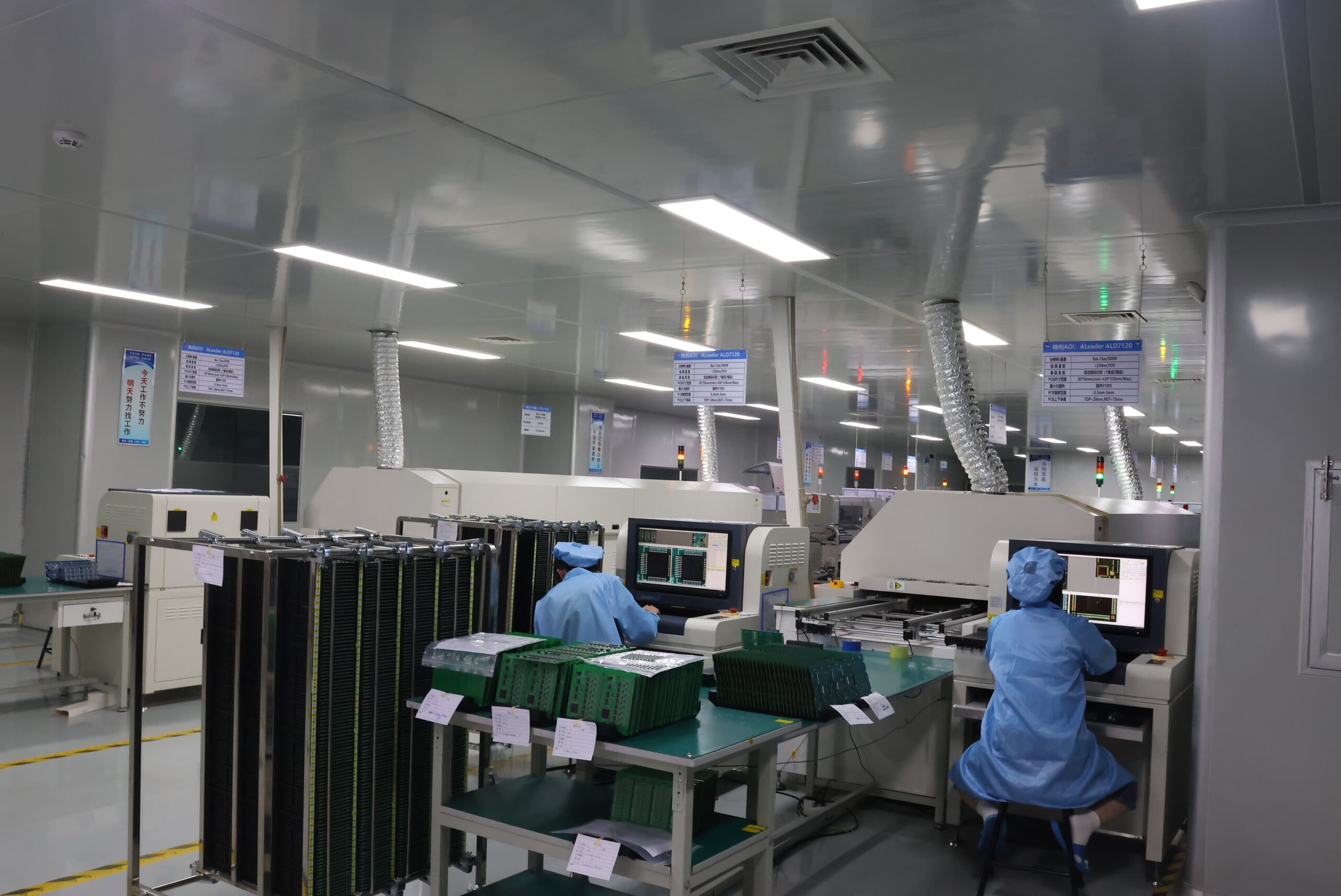
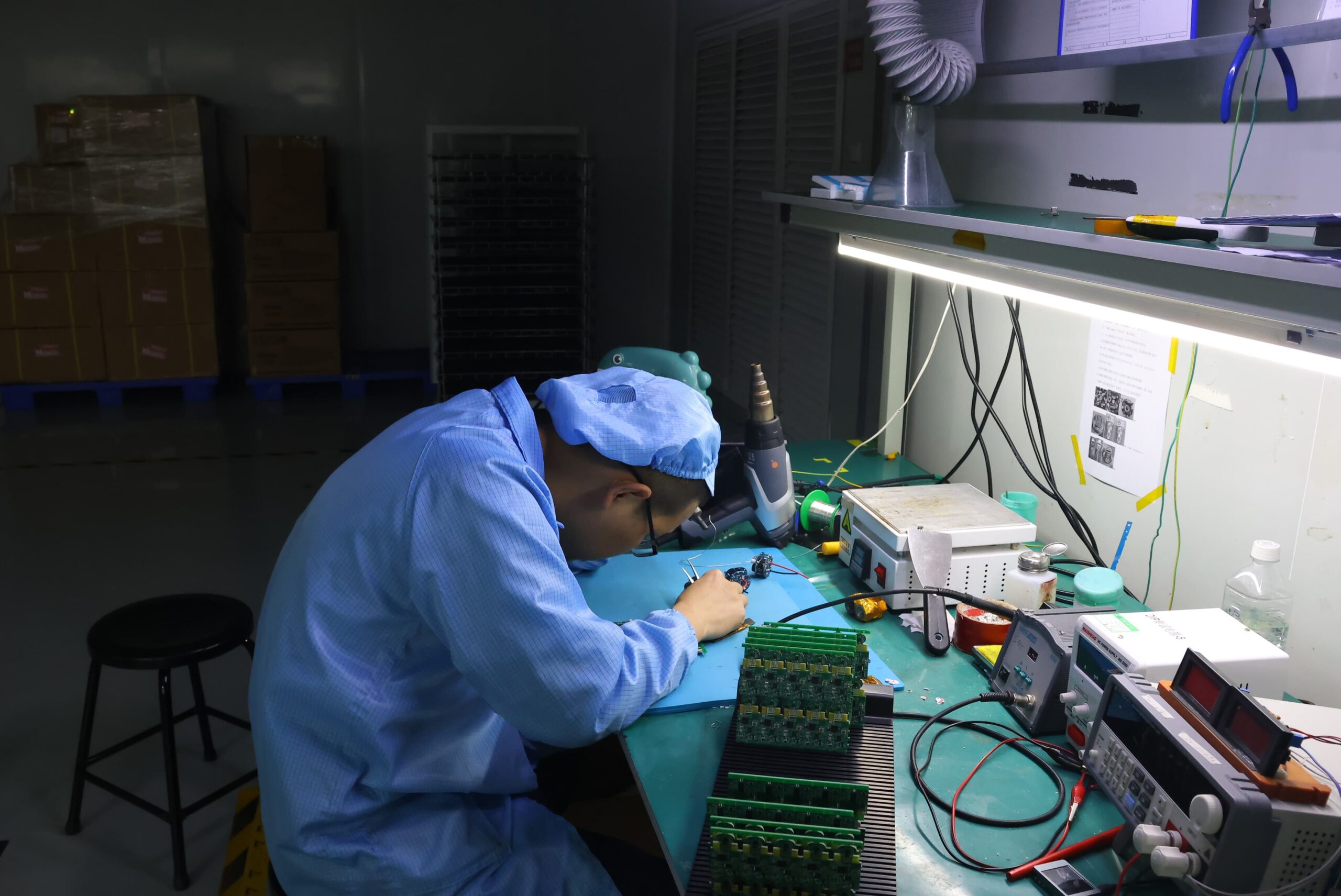
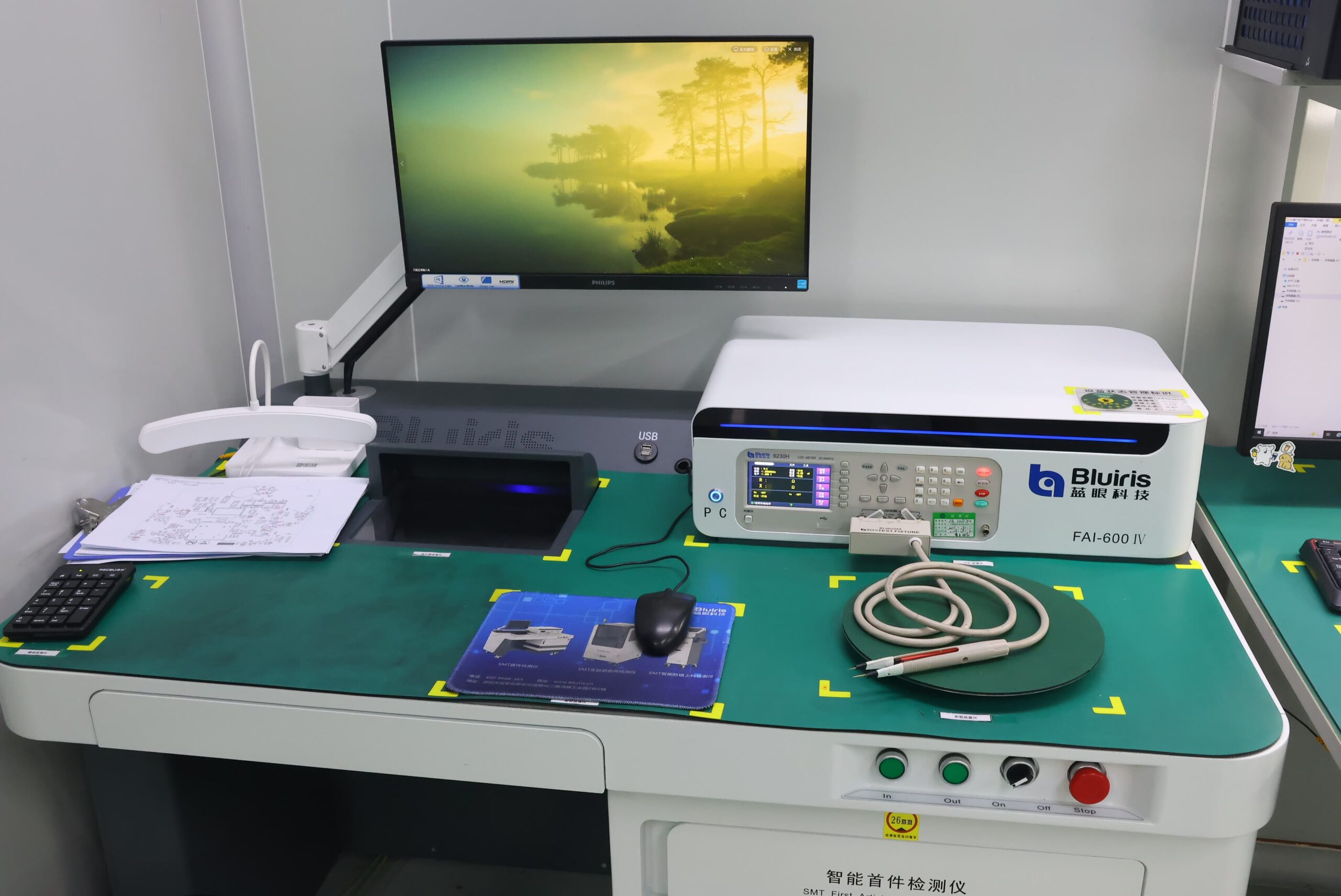
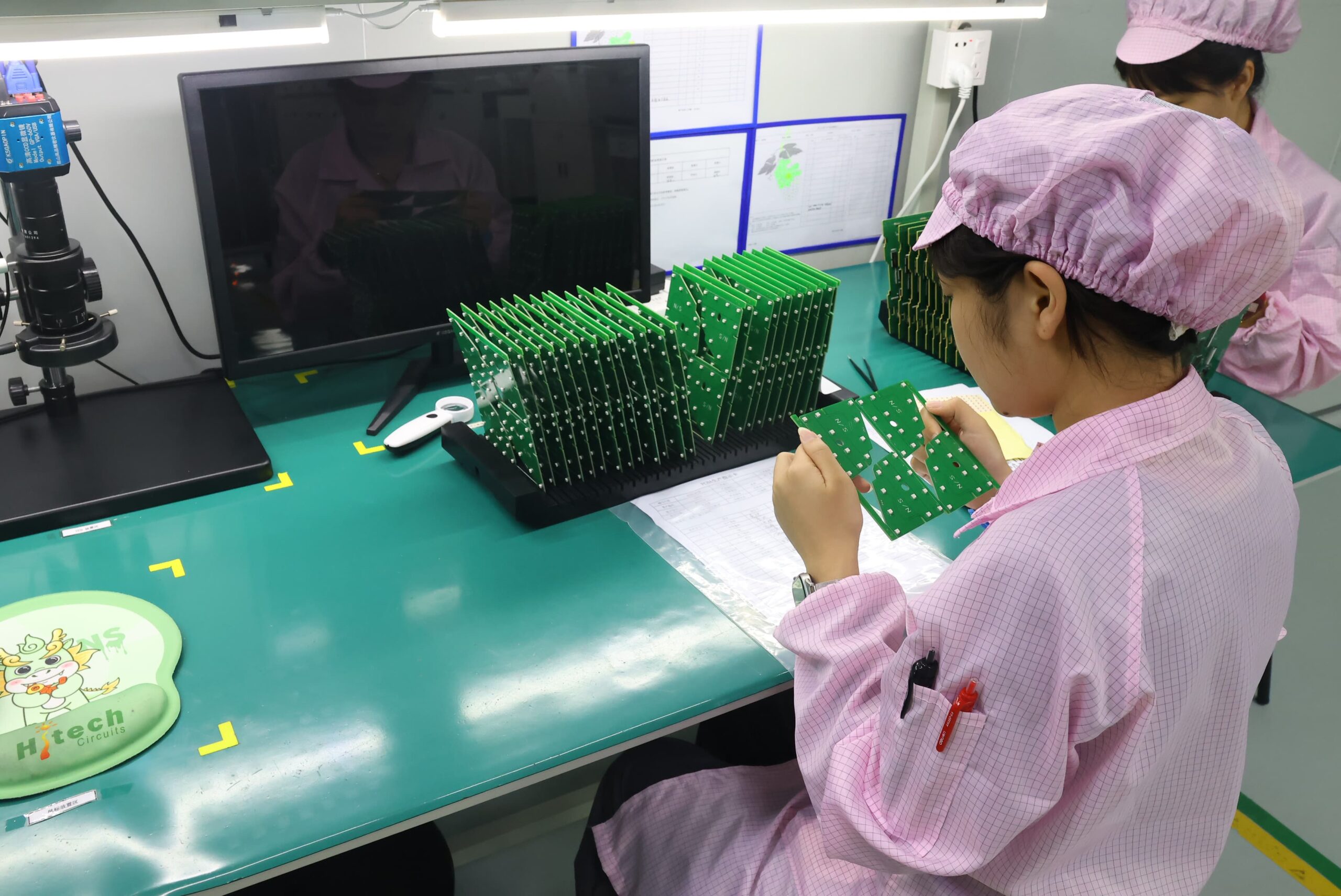
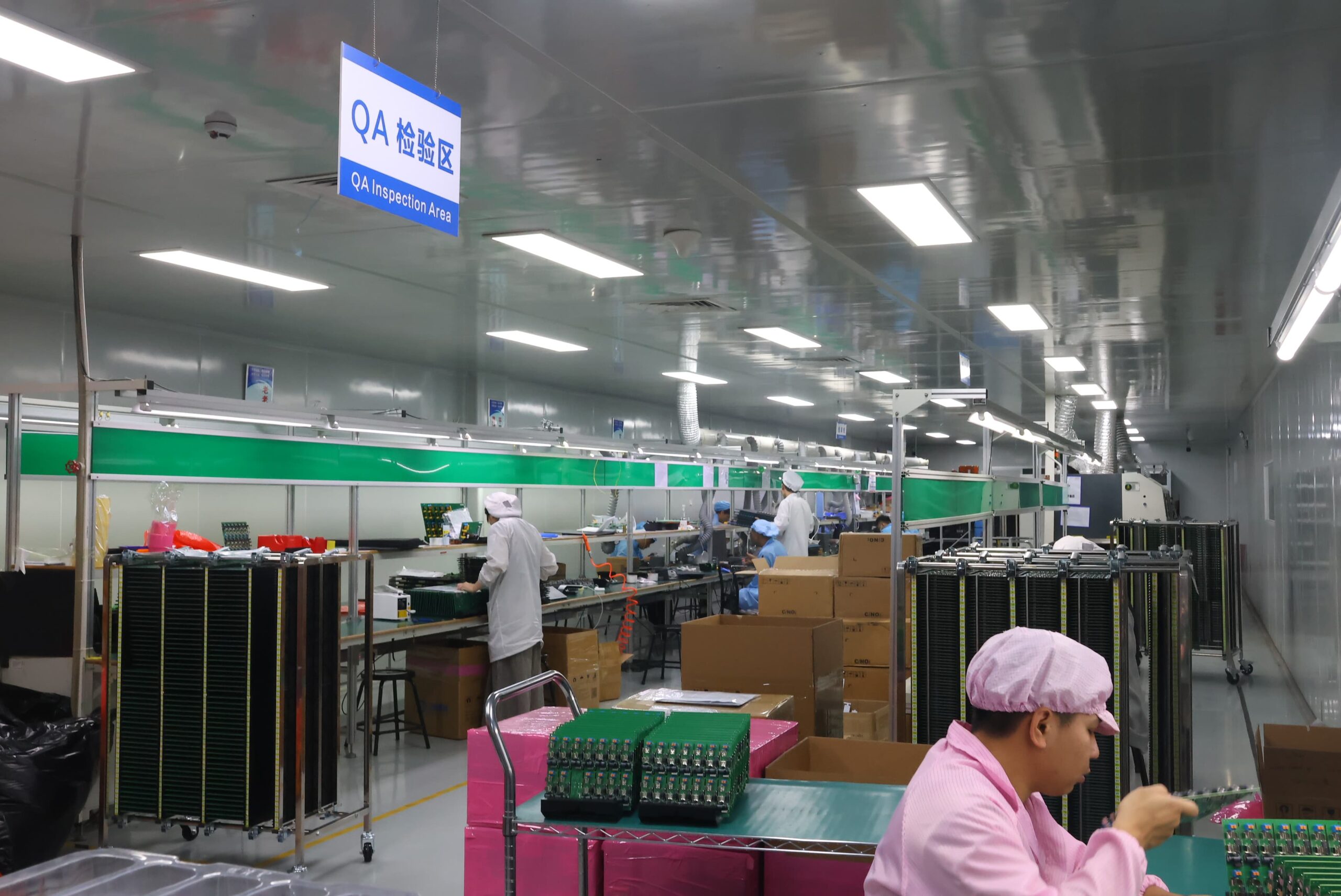
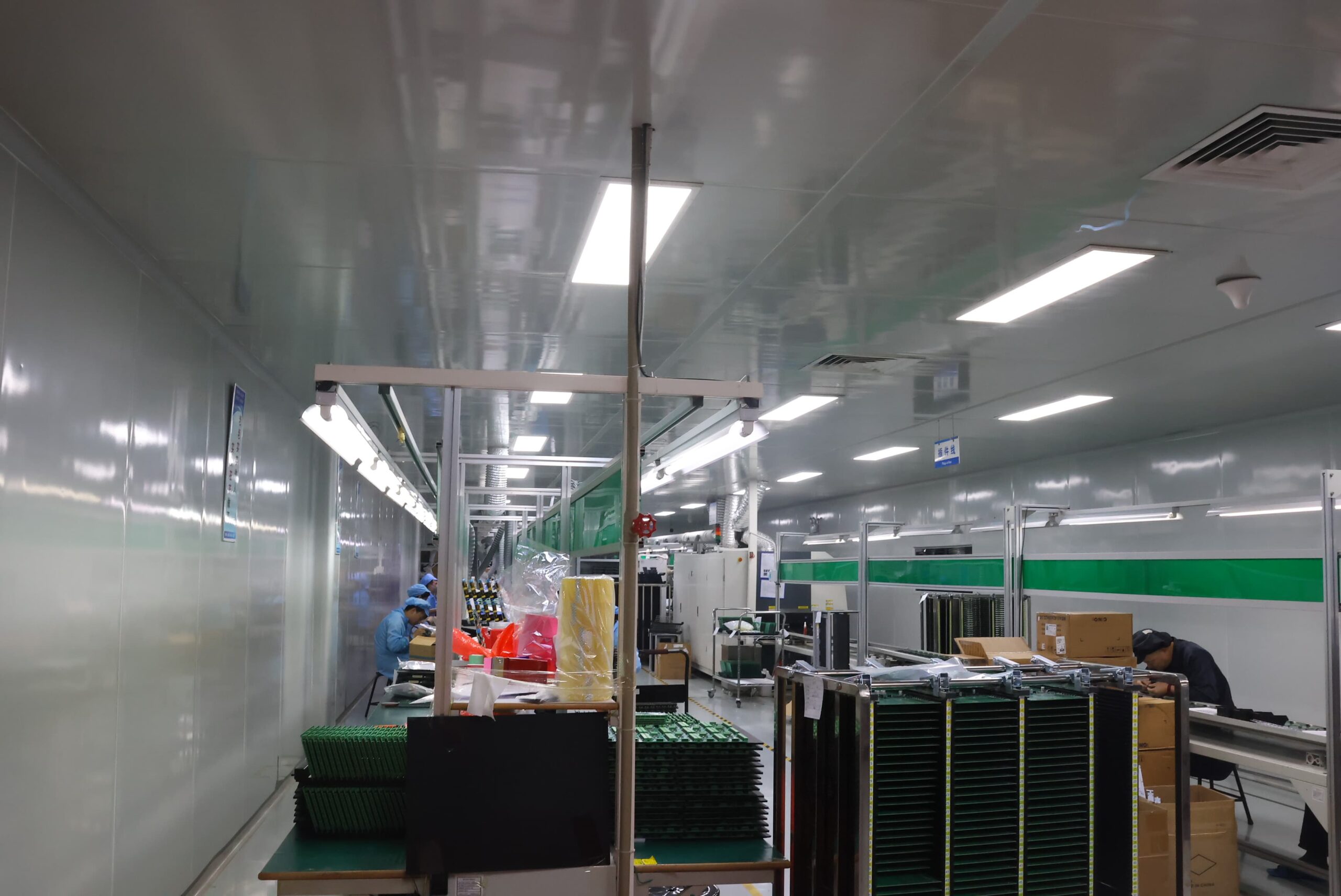
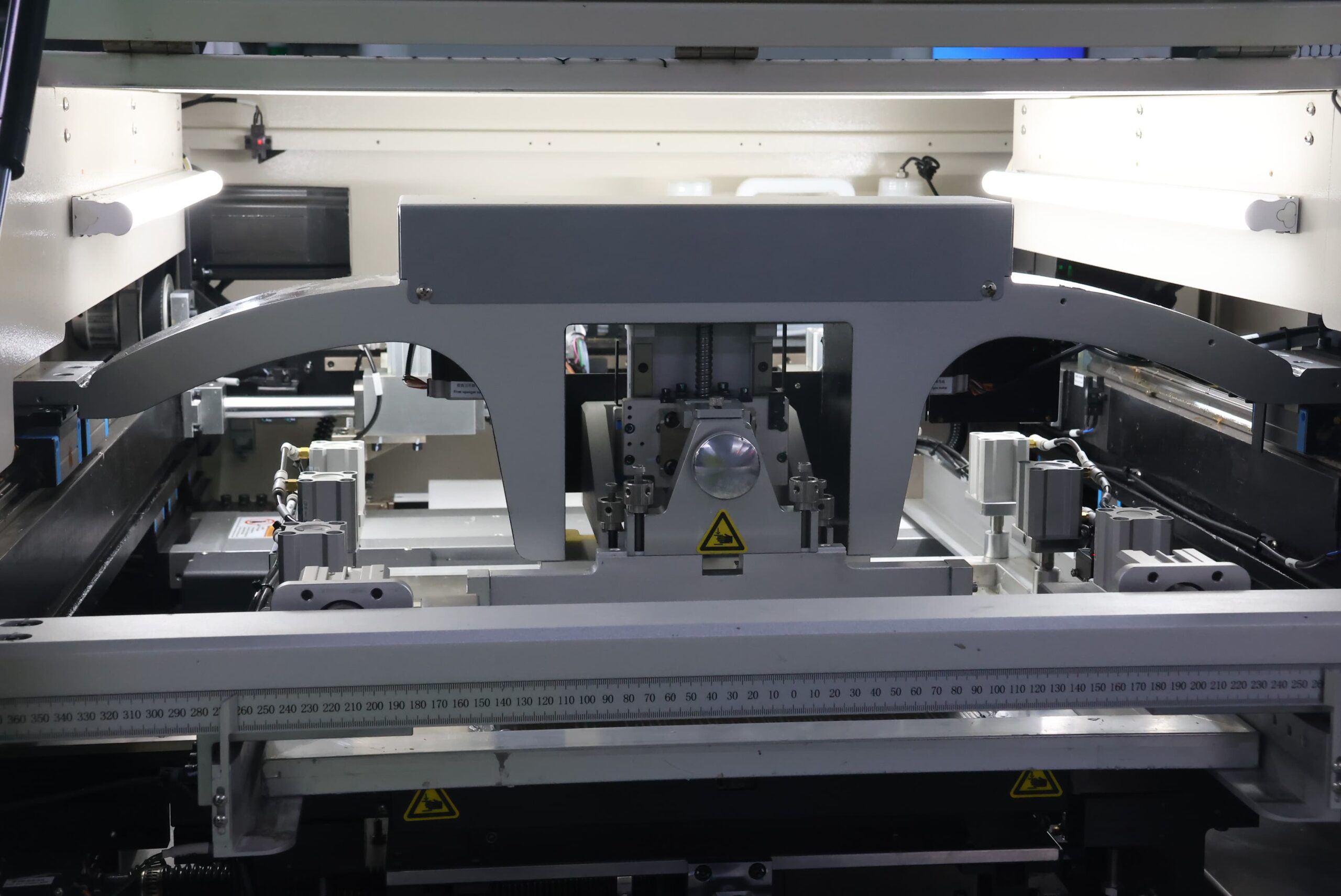
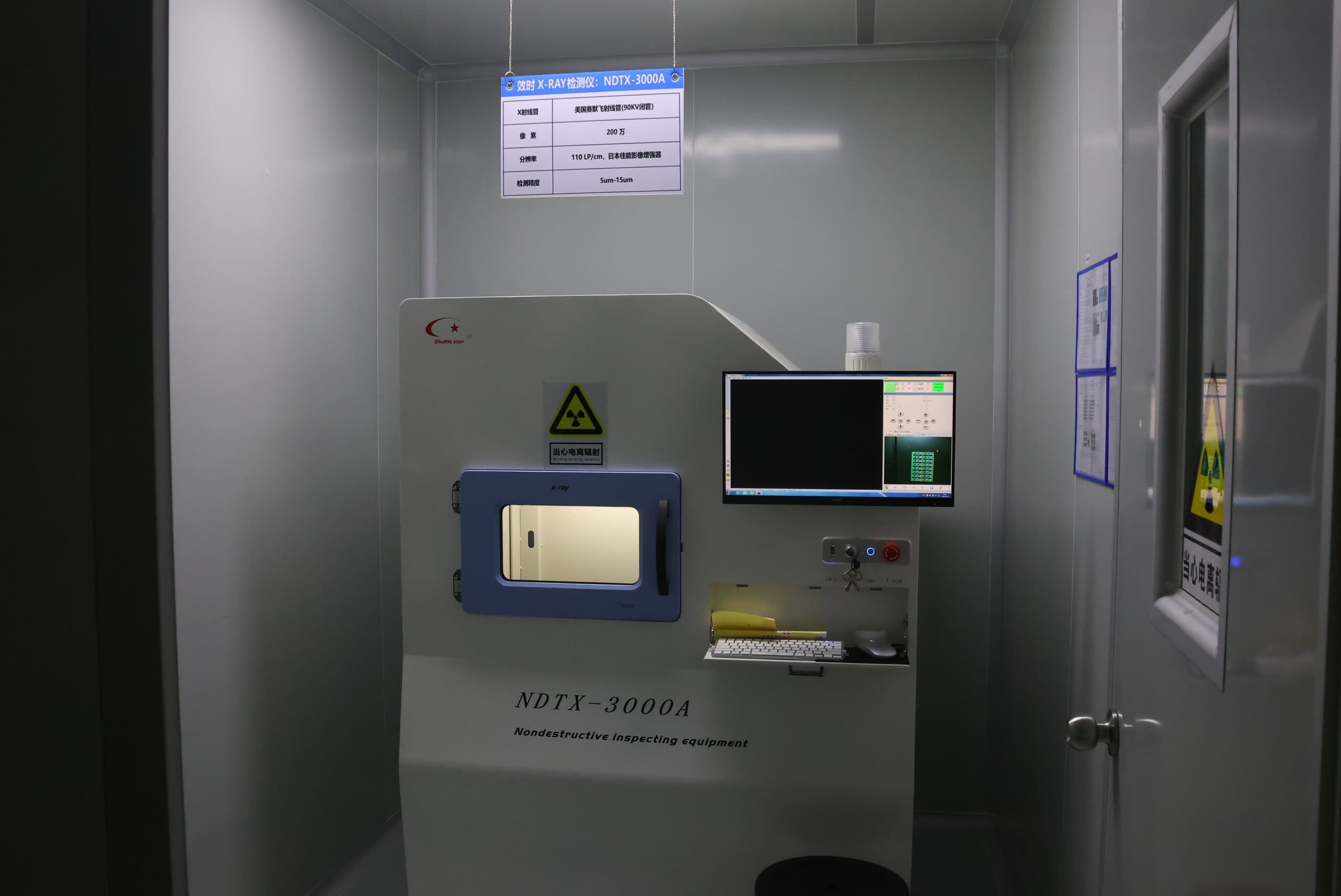
Our PCBA Production Lines
PCB Testing FAQ
Prototype and low-volume production PCBs and PCBAs are often tested using Flying Probe Testing. This is because there is no need for a dedicated production fixture, and the Flying Probe test can be updated as design changes occur. Bare-Board Electrical Testing includes continuity and isolation testing. FCT is added when the firmware, interfaces, loads, and acceptance limits are ready.
When the board revision, BOM, limits, DFT access, and measurement targets have stabilized, the fixture and program have been validated, and the cycle-time savings generated by ICT justify the cost of producing the fixture, ICT will become the primary recurring method of testing. Since ICT does not verify product behavior in the powered-up state, FCT remains a separate testing method.
There are two key components to the overall testing time for a PCB: non-recurring preparation time and per-unit execution time. The non-recurring preparation time includes reviewing your data, developing your program, fabricating your fixture, setting up your firmware and interfaces, and defining and validating your limits. The time taken during the execution of each unit will vary and is determined by the number of targets being tested, the time it takes for the PCB to settle before power-up, the time it takes for the PCB to establish communication, the time the load is applied to the PCB, and the time required for the tester to diagnose and retest any failed units.
Coverage can only be interpreted in relation to the denominator and the target list used for the calculation. When comparing quotes, the practical question you should be asking is what is excluded, not what percentage is quoted—a 98% quote against an incomplete target list could represent less coverage of real risk than a 90% quote against a complete target list.
Test setup will typically require the following information: the applicable board revision, netlist or electrical test data, BOM and component information, schematic context, and acceptance limits. If the work being tested includes firmware, you will also need the firmware image, programming instructions, startup sequence, interface definition, source and load conditions, stimuli, and expected responses. To prevent delays, identify missing inputs before coverage or schedule is committed.
A PCB test report should include at least enough information so that a pass can be traced back to what was executed and under what conditions, with the original failure and retest visible next to each other. If a vendor sends you a report without providing even one example of a real failure and retest—only showing clean passes—you should ask the vendor to show one example of a failure; otherwise, the vendor may not retain information related to failures.